Smart home lights often come in two types. Cheap strips look nice in photos but break easy, lose Wi-Fi, and show poor white light. High-end systems like Philips Hue work great but cost a lot and need a hub.
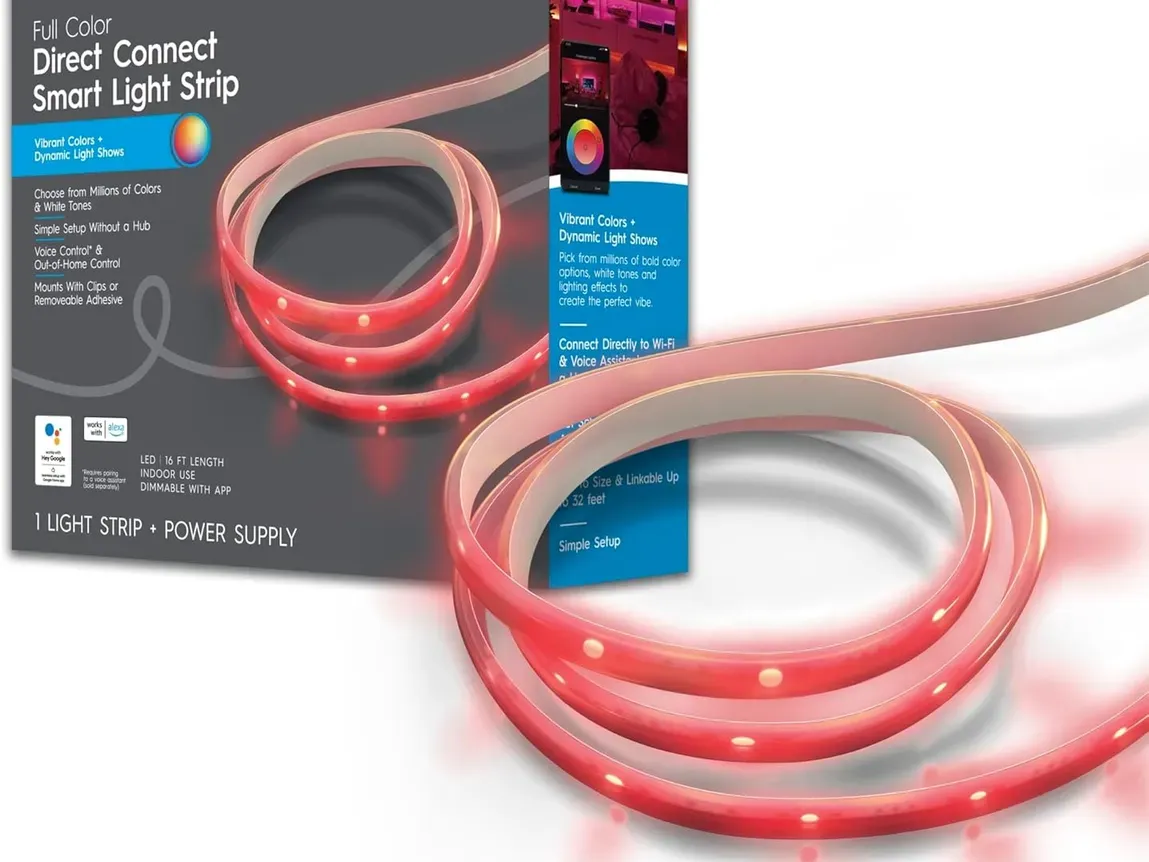
The GE Cync Smart LED Light Strip sits right in the middle. GE has made lights for over 100 years, and that shows in the white light quality. You get easy Wi-Fi setup, Alexa and Google Home support, and a fair price. No hub needed.
This review covers how the strip works in real rooms, the Cync app, and if the lack of "rainbow chase" effects is a big deal for you.
Product Description
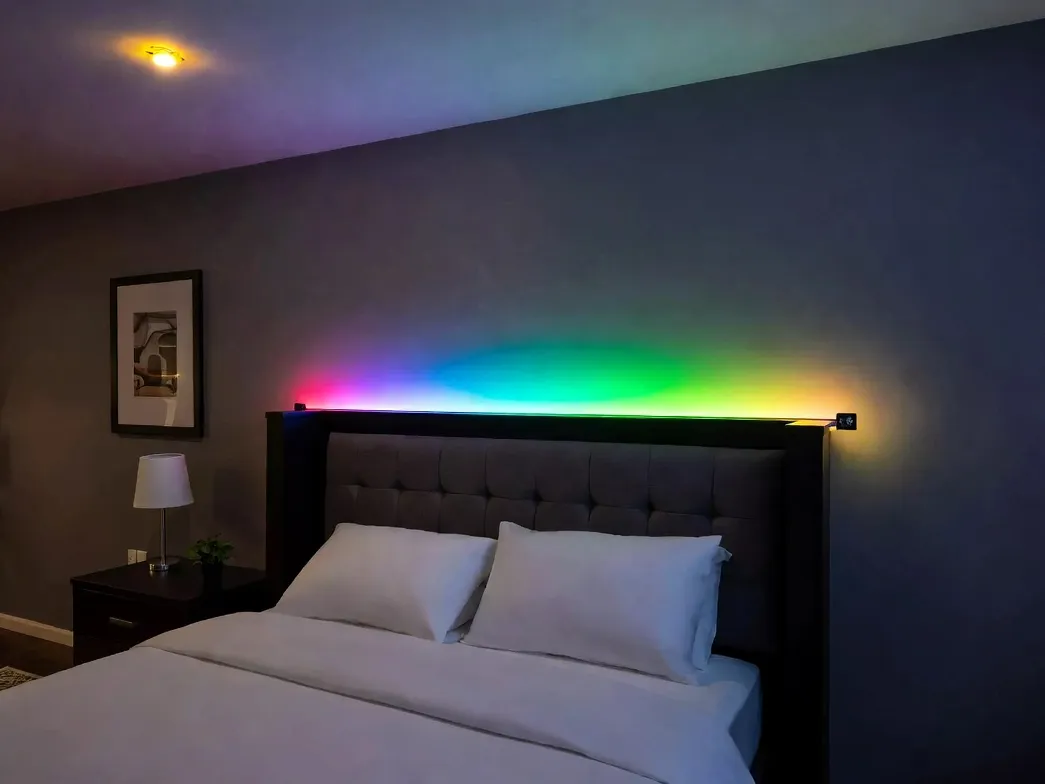
This 16-foot indoor light strip is built for bedrooms, gaming setups, dorm rooms, and behind-the-TV decor. It runs on the Cync app, which is powered by Savant and uses TrueImage tech for smoother color blending than most rival apps. There is even a sleep/wake mode that shifts the white tone through the day to match your body clock. The kit comes with the strip itself, a power cord, a wall plug, and mounting clips. On Amazon, it currently holds a 4.0 out of 5 stars rating from real buyers.
Quick Look: Specs You Should Know
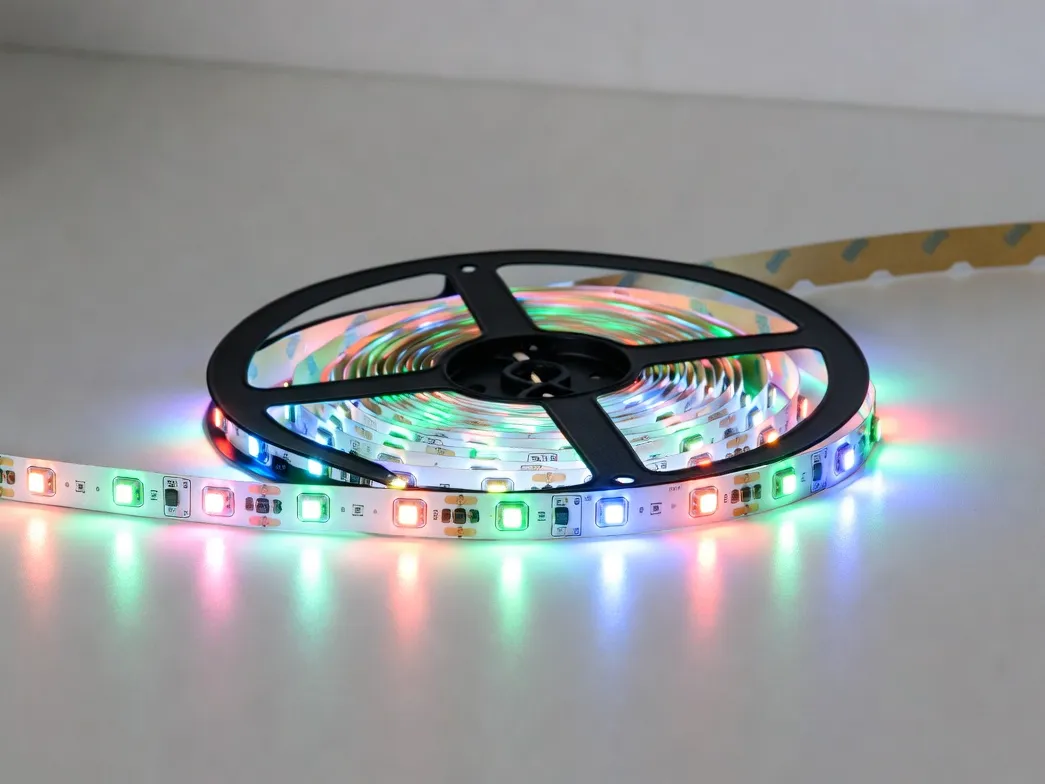
The strip feels solid, not flimsy like cheap tape lights. The big plus is that GE uses real white LEDs along with the color ones. Most budget strips just mix red, green, and blue to fake white light. That is why they often look blue or sickly.
Spec | Details |
|---|---|
Length | 16 ft base; can extend up to 32 ft |
Brightness | 1,100 lumens (at 4000K) |
Color Temperature | 2000K (warm) to 7000K (cool daylight) |
Colors | 16 million colors |
Connection | 2.4 GHz Wi-Fi + Bluetooth |
Power | 120V AC (with 12V DC adapter) |
Voice Control | Amazon Alexa, Google Home, Matter (some models) |
Dimming | 1% to 100% by app or voice |
Setting It Up: Easy, but Clean the Wall First
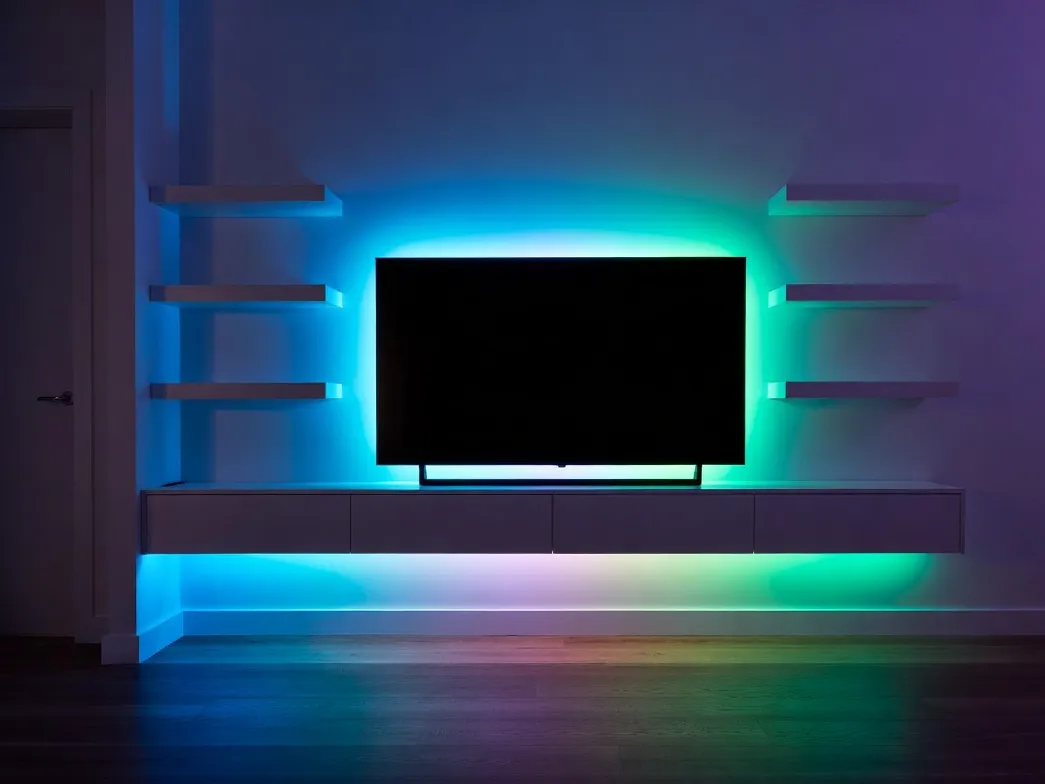
Peel, stick, plug it in, and pair. That is the whole process. But if you want it to stay on the wall for years, you need to prep the surface.
The back has 3M tape glue. It only sticks well to clean, dry, oil-free walls. Wipe the wall with 70% rubbing alcohol before you stick it. This one step saves you from sagging strips later. Skip it, and the strip will fall off in a few weeks - mostly in kitchens, where cooking grease coats every surface.
The 2.4 GHz Wi-Fi Trick
Pairing uses Bluetooth first, then Wi-Fi. When you plug in the strip, it sends a Bluetooth signal so the Cync app can find it. Then you give it your Wi-Fi password.
Here is the part that fools about half of all new users: the strip only works on 2.4 GHz Wi-Fi, not 5 GHz. Most modern routers use one name for both bands. Your phone may sit on 5 GHz, and pairing will fail with no clear error. Try this:
Turn off the 5 GHz band in your router for setup
Move closer to the router so your phone drops to 2.4 GHz
Make a temp 2.4 GHz only network just for setup
Cutting the Strip
You can cut it at the scissor marks. But the cut-off piece will not work without its own power adapter or a third-party connector. For corners, do not fold the strip. That breaks the copper inside. Instead, leave a small loop at the corner or use a corner connector.
White Light: This Is Where Cync Wins
Here is something most brands hide. People buy color strips, but use white light about 90% of the time. So white quality matters more than rainbow effects. This is where Cync beats budget brands by a wide margin.
The white tones break down like this:
2000K to 2700K - Warm like a candle. Good for evenings. No blue light to mess with sleep.
3000K to 4000K - Neutral white. Best for kitchens, desks, and under-cabinet use. Clear but not harsh.
5000K to 7000K - Bright daylight. Good for focus tasks or rooms with no windows. Too harsh for night use.
Peak brightness is 1,100 lumens. A standard 60-watt bulb gives about 800 lumens. So this strip is brighter than most home bulbs. It can serve as real task lighting, not just mood light.
One small note: brightness drops when you pick deep colors like red or blue. The white LEDs turn off, and only the color LEDs work. That is true for every strip on the market, not just Cync.
The Cync App: Better Than It Used to Be
The Cync app has come a long way from its old "C by GE" days. Now it groups lights into Rooms and Groups. So if you add Cync bulbs or under-cabinet bars later, one slider can run them all.
Schedules That Work Without Wi-Fi
Schedules save on the strip itself, not just on your phone. So they keep running even if your phone is off or your internet drops. Some handy presets:
Sunrise mode - Slow fade-in over 15 to 30 minutes to wake you up gently
Sunset sync - Lights come on at your local sunset time
Vacation mode - Random on/off to make the house look busy
Effects and Scenes
The strip is single zone. That means the full length shows one color at a time. You will not get the chase or rainbow effects you see on Govee gaming strips. What you do get is clean, smooth color changes. For most rooms - kitchens, bedrooms, living rooms - that is what you actually want.
Voice Control
Linking it to Alexa or Google Home takes about a minute. Replies are fast. Just say things like:
"Set the kitchen lights to 40%"
"Turn the office strip cobalt blue"
"Dim the bedroom to 10%"
The big gap is no native Apple HomeKit support. Newer Cync models are getting Matter, which adds HomeKit. But the basic version needs a Homebridge setup if you want Siri or Apple Home. If you are deep into Apple, this matters.
How It Stacks Up Against Other Brands
Feature | GE Cync | Govee RGBIC (Basic) | Philips Hue (Base) |
|---|---|---|---|
Color Type | Single-zone RGBW | Multi-zone RGBIC | Single-zone RGBWW |
White Quality | Excellent | Average (blue tint) | Best in class |
Wi-Fi or Hub | Wi-Fi + Bluetooth | Wi-Fi + Bluetooth | Needs hub |
Brightness | ~1,100 lumens | ~400-600 lumens | ~1,600 lumens |
App Quality | High | Medium | Very high |
Hub Needed? | No | No | Yes |
HomeKit Support | No | No | Yes |
Short version: Govee wins on flashy effects and price. Hue wins on polish and ecosystem. Cync wins on the boring stuff that matters most - bright light, good white, and plug-and-play simplicity.
Common Problems and Fixes
Even good products have small issues. Here is what comes up most:
Strip shows offline in the app. Almost always a Wi-Fi range issue. Move the small plastic control box away from metal or thick walls. If it keeps dropping, a 2.4 GHz Wi-Fi extender fixes it for good.
Tape starts to peel after a few weeks. Do not trust the factory tape alone for long runs. Add small clear mounting clips every 18 to 24 inches, or use a small dab of hot glue at key points.
Two strips look slightly different in color. Open the Cync app and check for firmware updates. GE pushes color fixes often, and a sync usually solves it.
Strip will not pair during setup. About 95% of the time, this is the 2.4 GHz vs 5 GHz issue. Force your phone to 2.4 GHz and try again.
Final Verdict: Should You Buy It?
The GE Cync Smart LED Light Strip is built for normal smart-home buyers who want quality without paying premium prices. The big win is great white light from a brand that actually knows lighting. That makes it a real design tool, not just a gaming-room toy.
Buy it if you want:
A bright, reliable strip for kitchens, bedrooms, or living rooms
Great white light from warm to cool tones
Plug-and-play setup with solid voice assistant support
A fair price with room to grow up to 32 feet
Look elsewhere if you need:
Rainbow chase or per-segment effects (try Govee RGBIC)
Native Apple HomeKit and Siri control (try Philips Hue)
The absolute brightest strip on the market (Hue still leads)
For most people, this is one of the best value smart light strips you can buy today.
Frequently Asked Questions
Q1: Can I cut the GE Cync strip and still use the leftover piece?
A: You can cut at the scissor marks to fit your space. But the cut-off piece will not have a power plug. To use it, you need to buy a separate Cync power supply, or bridge it with 4-pin solderless connectors. That second option is not officially supported by GE.
Q2: Does this strip work on 5 GHz Wi-Fi?
A: No. It only works on 2.4 GHz Wi-Fi, like most smart home gear. 2.4 GHz has longer range and goes through walls better. Make sure your phone is on the 2.4 GHz band during setup.
Q3: What happens if my internet goes out?
A: You can still use the Cync app over Bluetooth, as long as you stay within about 30 feet of the strip. But voice assistants like Alexa and Google will not work, and you cannot control it from outside the house until Wi-Fi comes back. Your saved schedules keep running fine because they are stored on the strip itself.
Q4: How many extensions can I add to one base strip?
A: You can extend up to a total of 32 feet on a single power adapter. Going past that limit is not advised. You will see a brightness drop at the end of the run, and the adapter may overheat.