Smart bulbs usually come in two types. Premium bulbs like Philips Hue look great but cost $15-$25 each and often need a hub. Cheap no-name bulbs are hit or miss and drop offline a lot.
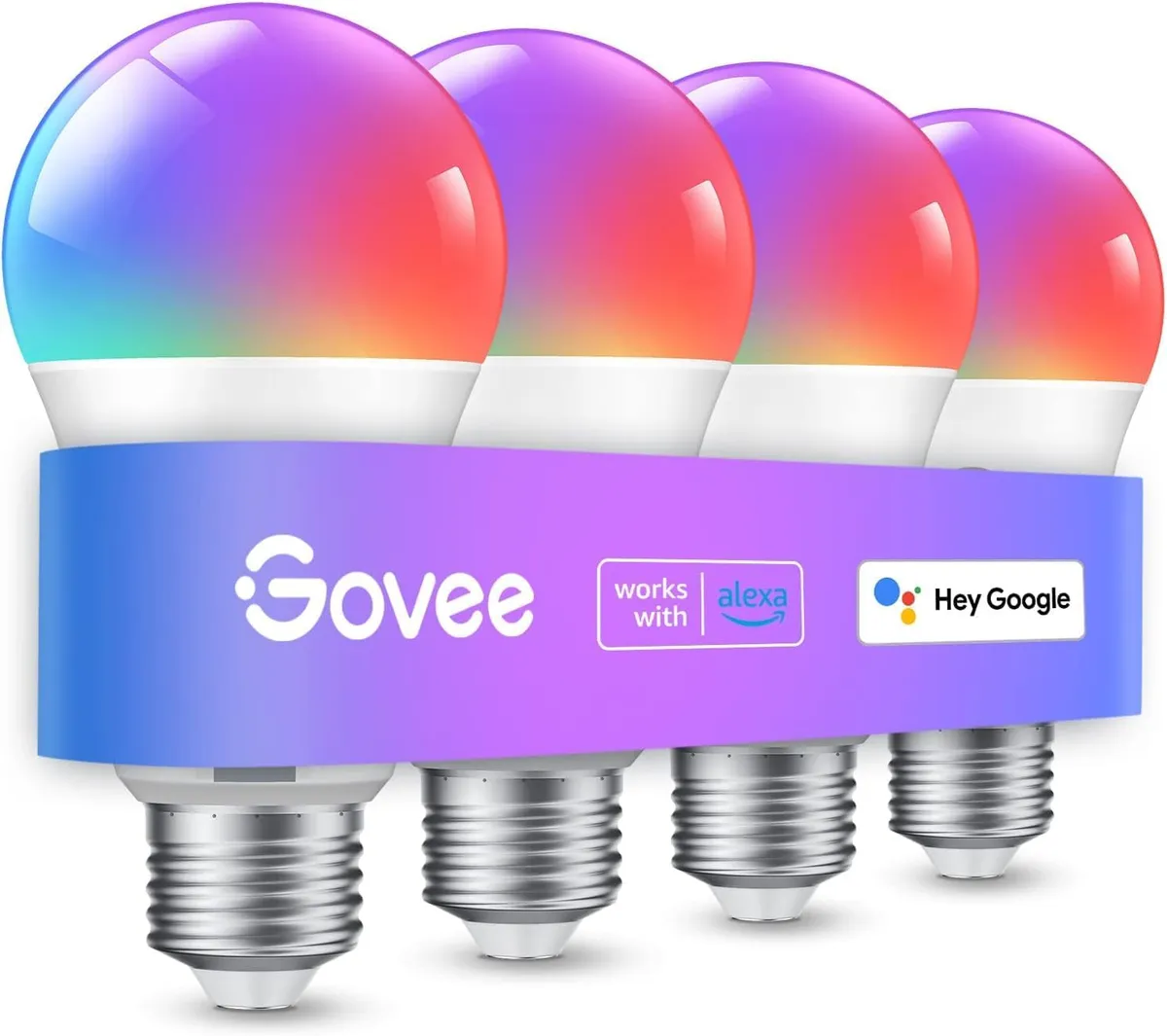
The Govee Smart Light Bulbs sit in the sweet spot. You get four color-changing bulbs that screw into any normal socket, with no hub needed.
They work with Alexa, Google, and Siri, sync to music, and cost just $28.99 for a 4-pack. This review covers how they perform, the app, and whether they are worth buying.
Product Description
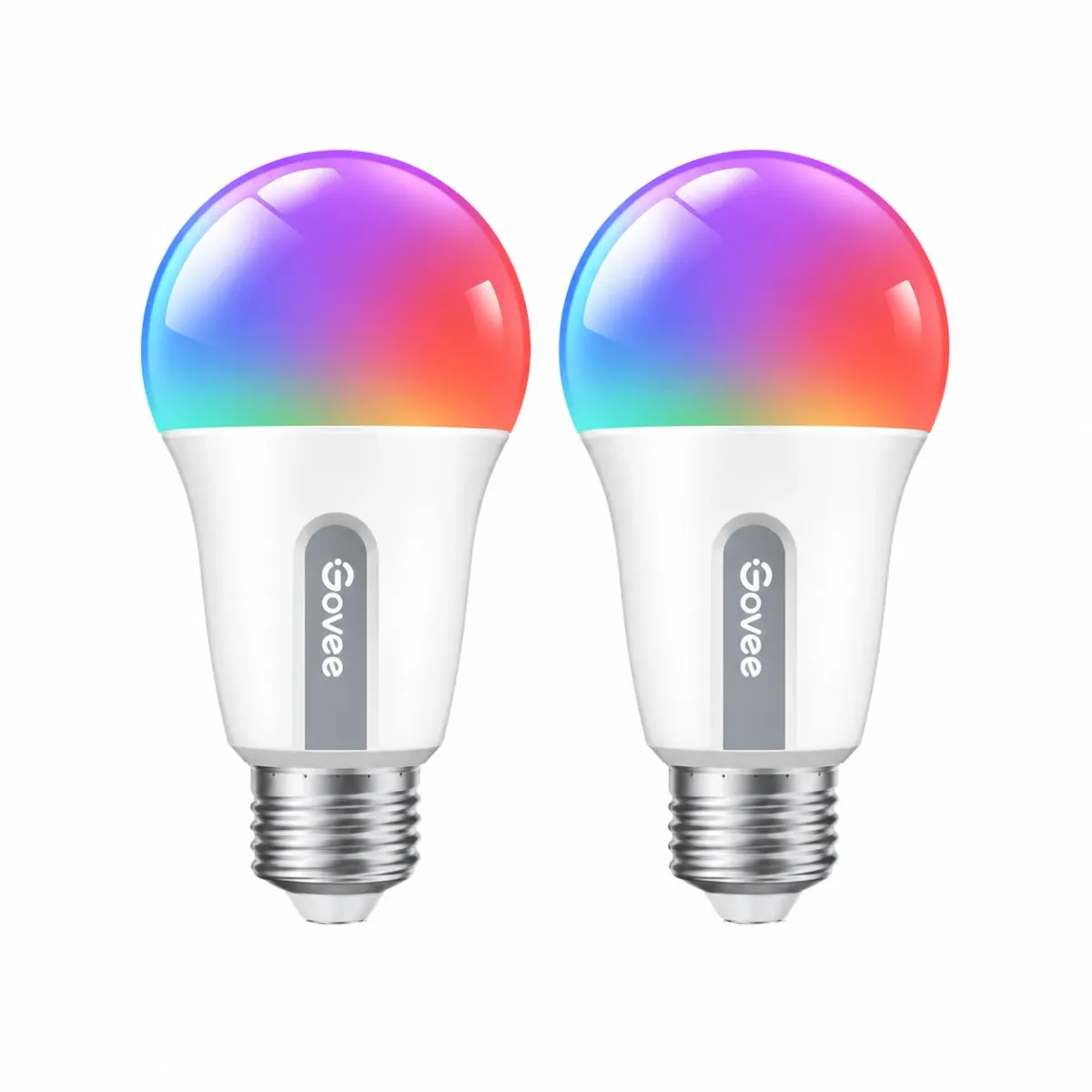
These A19 smart bulbs are built for bedrooms, living rooms, lamps, and ceiling fixtures.
Each bulb gives 800 lumens from just 9W, with 16 million colors and 54 preset scenes. You control them by app, Wi-Fi, or voice, with no hub required.
A music sync mode makes the bulbs change color with your music, and group control lets you run a whole room at once. It is an Amazon's Choice product with a strong 4.6 out of 5 stars rating from over 26,481 buyers, and more than 6,000 packs were bought in the past month.
Quick Look: Specs You Should Know
The bulbs fit any standard E26 socket, so you can drop them into lamps and fixtures you already own. They use both Wi-Fi and Bluetooth, so setup is quick and control stays reliable.
Spec | Details |
|---|---|
Pack Size | 4 bulbs (also sold in 1, 2, 6, 8) |
Bulb Shape | A19, E26 base |
Brightness | 800 lumens each |
Wattage | 9W (60W equivalent) |
Colors | 16 million colors (RGBWW) |
Scene Modes | 54 presets |
Connection | Wi-Fi + Bluetooth (2.4 GHz, no hub) |
Voice Control | Alexa, Google Assistant, Siri |
Dimming | 1% to 100% |
Voltage | AC 120V |
Price | $28.99 (about $7.25 per bulb) |
What We Like
Great value: At $28.99 for four bulbs, this works out to about $7.25 each. That is a fraction of the price of a single premium bulb, and you still get full color and voice control.
No hub needed: The bulbs connect over Wi-Fi and Bluetooth on their own, so you do not need a separate bridge or hub. Just screw them in and set them up in the app.
Voice and app control: They work with Alexa, Google, and Siri, so you can turn them on, dim them, or change colors by voice. The Govee Home app adds scenes, timers, and color tools.
Music sync and scenes: A music mode makes the bulbs move with your music, and 54 preset scenes cover everything from reading light to party color. It is an easy way to change a room's mood with one tap.
Group control: You can group bulbs and run a whole room together. Sunrise and sunset modes can brighten the bulbs as you wake and dim them as you sleep.
What Could Be Better
Wi-Fi is 2.4 GHz only: Like most smart bulbs, these do not work on 5 GHz Wi-Fi. Make sure your phone is on the 2.4 GHz band during setup, or pairing can fail.
Not for use with smart switches: These bulbs need constant power to stay connected, so they should not be paired with a smart switch. A normal wall switch left "on" works best.
Average white-light accuracy: The color is fun and bright, but the white light is good rather than perfect. If you need top color accuracy for tasks, a higher-CRI bulb is a better fit.
Govee Smart Bulbs vs Competitors
Feature | Govee 4-Pack | Philips Hue (Single) | Generic Smart Bulb |
|---|---|---|---|
Price | $28.99 (4 bulbs) | ~$15-$25 each | ~$5-$8 each |
Colors | 16 million RGBWW | 16 million | Varies |
Hub Needed | No | Yes (for full features) | No |
Music Sync | Yes | Limited | Sometimes |
Voice Control | Alexa, Google, Siri | Alexa, Google, Siri | Varies |
Short version: Philips Hue wins on polish and ecosystem but costs far more, and generic bulbs can be unreliable. For most people, the Govee 4-pack gives the best mix of features and value.
Who Should Buy the Govee Smart Bulbs?
The Govee Smart Light Bulbs are a great fit for anyone who wants to add color and voice control to lamps and fixtures they already own.
They suit bedrooms, living rooms, and party or holiday lighting, all on a low budget. If you need a deep smart-home ecosystem or top color accuracy for work, a premium brand may suit you better.
Common Problems and Fixes
Bulb will not connect. Make sure your phone is on a 2.4 GHz network during setup. These bulbs do not use 5 GHz.
Bulb drops offline. Do not pair it with a smart switch, and keep the wall switch left on so the bulb always has power.
Music sync not working. Open the Govee Home app, allow microphone access, and make sure no other app is using the mic.
Colors look different between bulbs. Group them in the app and set the same scene, then check for app updates that fine-tune the color.
Final Verdict: Should You Buy It?
The Govee Smart Light Bulbs are built for anyone who wants easy, fun smart lighting without spending much.
The big wins are 16 million colors, voice control, music sync, and 54 scenes - four bulbs for just $28.99 with no hub needed.
Buy them if you want:
Color smart bulbs for lamps and fixtures you already own
Voice control with Alexa, Google, or Siri
Music sync and lots of scene effects
A low price for a 4-pack from a trusted brand
Look elsewhere if you need:
A deep smart-home ecosystem (Philips Hue)
Top color accuracy for detailed tasks (higher-CRI bulbs)
Bulbs you can pair with smart wall switches
For most people who want color and voice control on a budget, this is one of the best value smart bulbs you can buy today.
Frequently Asked Questions
Do the Govee bulbs need a hub?
A: No. The bulbs connect over Wi-Fi and Bluetooth on their own, with no hub or bridge needed. You just screw them in and set them up in the Govee Home app.
Do they work with Alexa and Google?
A: Yes. They work with Amazon Alexa, Google Assistant, and Siri. You can turn them on or off, dim them, and change colors by voice. A smart speaker is needed for voice control.
Will they work on 5 GHz Wi-Fi?
A: No. Like most smart bulbs, they only work on 2.4 GHz Wi-Fi. Make sure your phone is on the 2.4 GHz band during setup so pairing does not fail.
How bright are the bulbs?
A: Each bulb gives 800 lumens at 9W, about the same as a standard 60W bulb. That is bright enough for a bedroom, living room, or reading lamp.
Can I control all the bulbs at once?
A: Yes. The Govee Home app lets you group bulbs so a whole room changes color and brightness with one tap. You can group up to 50 bulbs together.
Can I use them with a smart switch?
A: No. These bulbs need constant power to stay connected, so they should not be paired with a smart switch. Use a normal wall switch left in the "on" position.