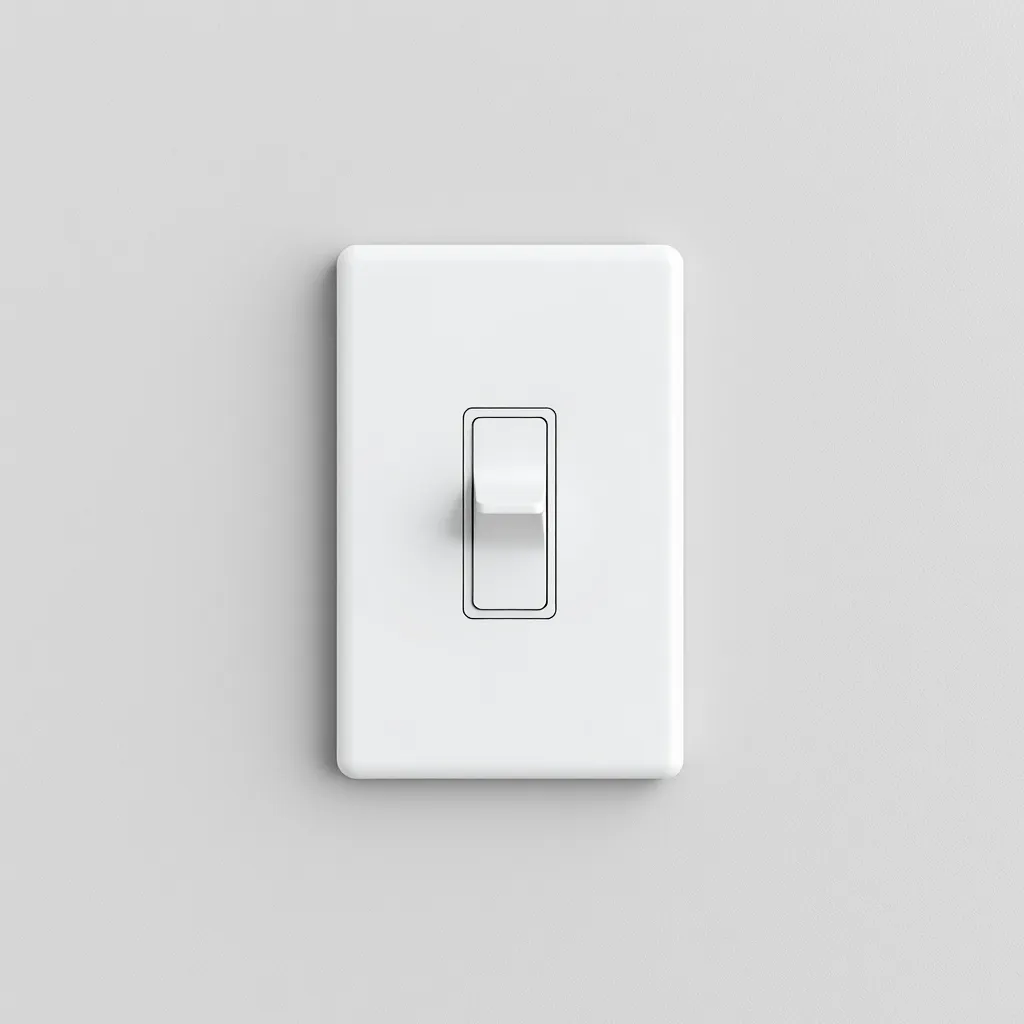
Dim LED lights using an LED-compatible dimmer switch that replaces your existing wall switch. Standard dimmers designed for incandescent bulbs cause flickering, buzzing, and limited range with LEDs because they have minimum load requirements that LEDs fall below. LED-rated dimmers (trailing-edge or ELV type) handle loads as low as 1 watt, providing smooth, full-range dimming from 100% down to 5-10%. Popular LED-compatible options from Lutron, Leviton, and Legrand cost $15-$30 and install in 15 minutes.
There are three ways to dim LED lights depending on what type of LEDs you are using: a wall dimmer switch for hardwired fixtures, a smart bulb with built-in dimming, or a PWM dimmer for LED strip lights. Each method works differently and requires different equipment.
Method 1: LED-Compatible Dimmer Switch
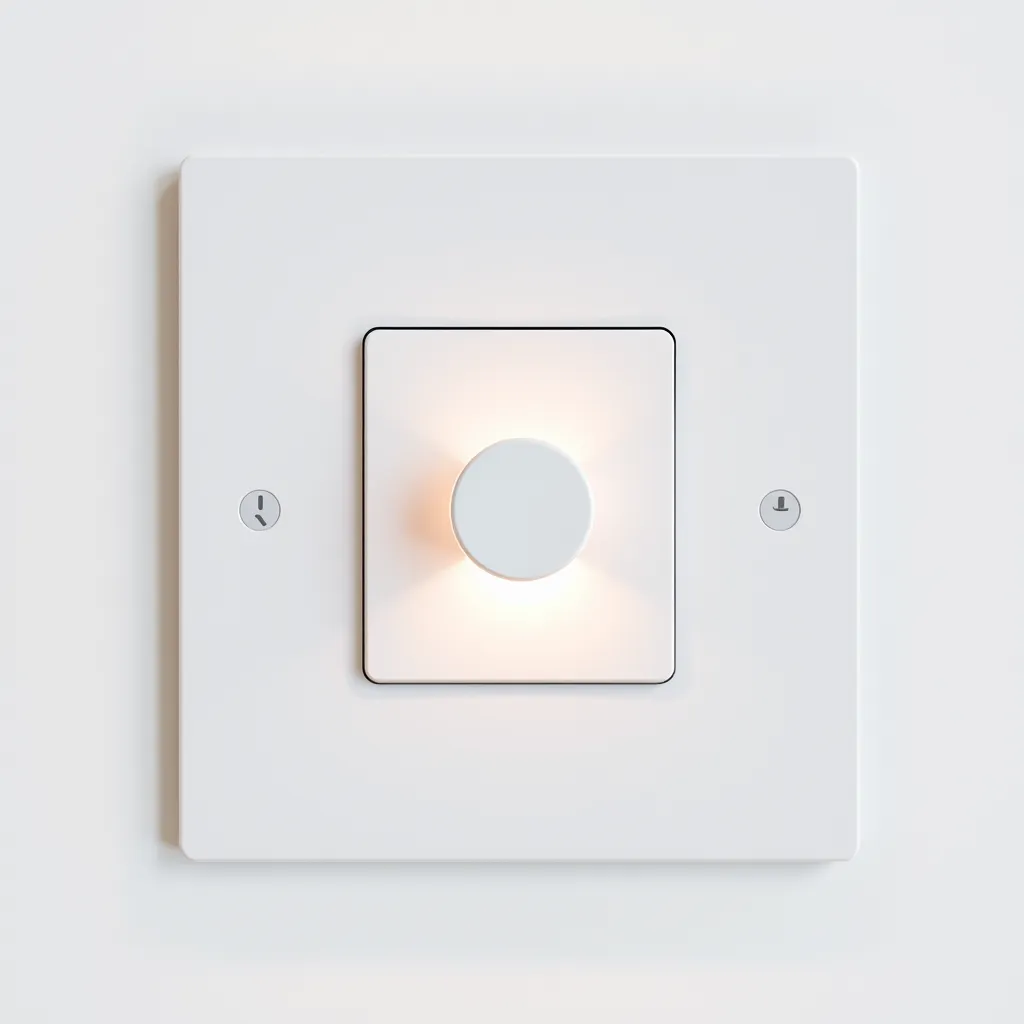
This is the standard method for hardwired LED ceiling lights, recessed lights, and wall-mounted fixtures. Turn off the breaker, remove the old dimmer switch, and install the new LED-compatible dimmer using the same wiring connections (hot, neutral, ground). Most LED dimmers are available in single-pole (one switch controls the light) and 3-way (two switches control the same light) configurations.
When choosing a dimmer, verify that both the dimmer and the LED bulbs are compatible with each other. Most LED manufacturers publish dimmer compatibility lists on their websites. The Lutron Caseta is the most widely compatible LED dimmer on the market and works with virtually every major LED bulb brand. The Leviton Decora SureSlide and Legrand Radiant are also excellent choices with broad compatibility.
Key specifications to check: minimum load (should be 10W or less for LED), maximum load (ensure it handles your total LED wattage), and dimming range (the best LED dimmers go down to 1-5%). Some premium dimmers allow you to set custom low-end and high-end trim levels, which eliminates flicker at the bottom of the range and ensures the dimmer's off position fully extinguishes the light.
Method 2: Smart Bulbs
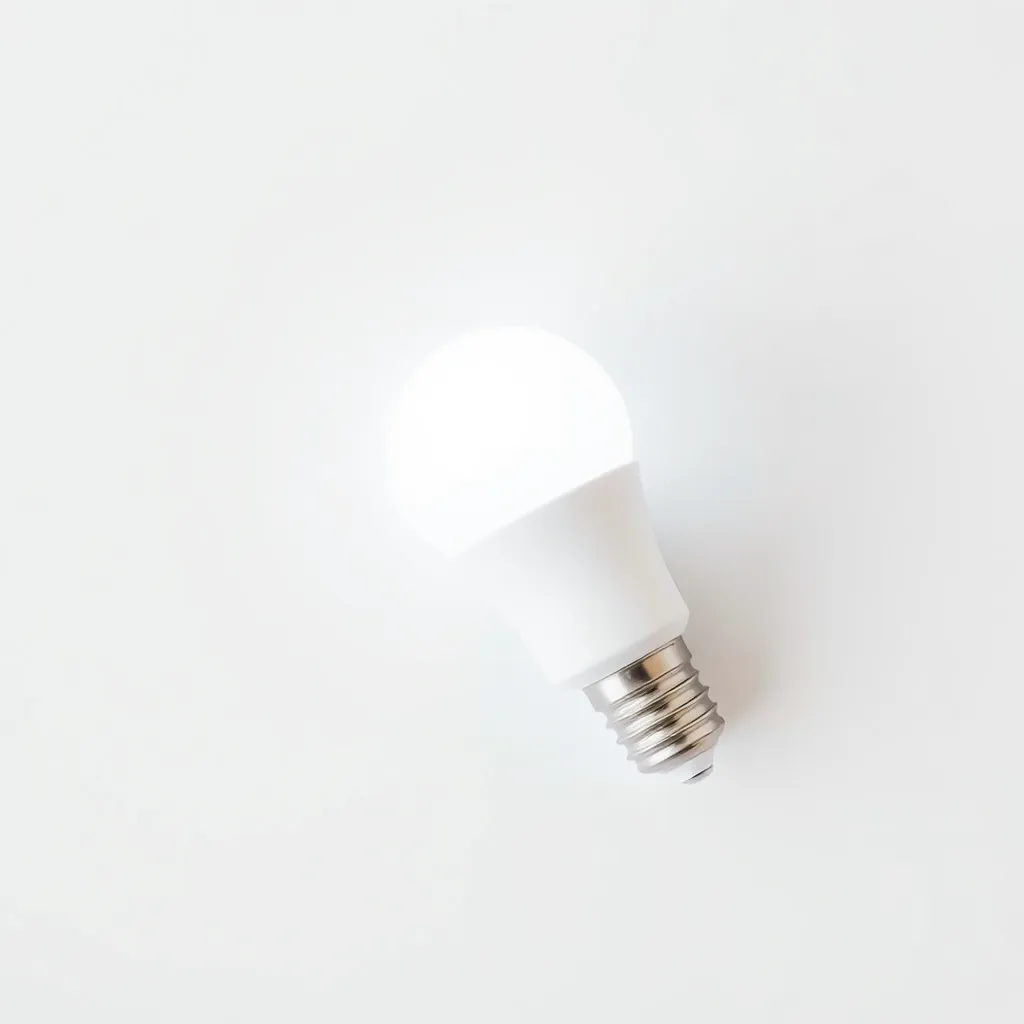
Smart LED bulbs have built-in dimming circuitry controlled through a phone app, voice assistant (Alexa, Google Home, Siri), or remote. No special wall dimmer is required - the bulb dims itself in response to software commands. Install the smart bulb in any standard fixture and control it through the app. This method is ideal for renters, table lamps, and anyone who does not want to replace wall switches.
Smart bulbs from Philips Hue, Wyze, LIFX, and others dim smoothly from 100% to 1% and many also offer color temperature adjustment and full RGB color. The Wyze Bulb ($8) is the best budget option. Philips Hue ($15-$50 depending on model) offers the most mature ecosystem with extensive automation options. Important: when using smart bulbs, leave the wall switch permanently ON. Turning off the wall switch cuts power and makes the bulb unresponsive to app commands.
Method 3: PWM Dimmer for LED Strips
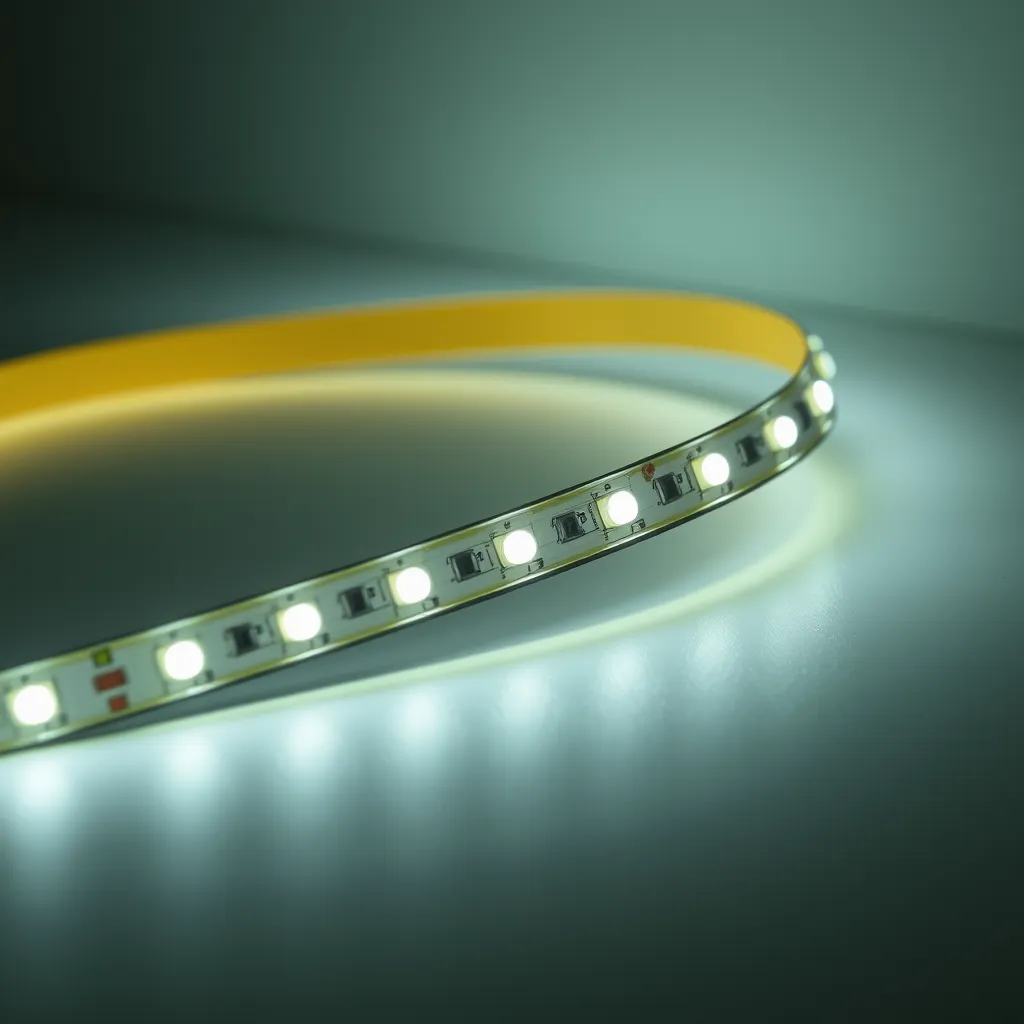
LED strip lights use a different dimming approach than bulbs. A PWM (Pulse Width Modulation) dimmer connects on the DC side between the power supply and the strip. It rapidly switches the strip on and off thousands of times per second. Varying the ratio of on-time to off-time changes the perceived brightness. At 50% duty cycle, the strip appears half as bright. At 10% duty cycle, it appears very dim. The switching frequency (typically 1,000+ Hz) is too fast for the human eye to detect as flickering.
PWM dimmers for LED strips come as knob dials ($5-$10), remote-controlled units ($10-$20), and smart Wi-Fi controllers ($15-$30) with app and voice integration. Never use a standard AC wall dimmer with LED strip lights - strips operate on DC voltage, and an AC dimmer on the supply side causes severe flickering and can damage the power supply. The PWM dimmer must always be installed on the DC output side, between the power supply and the strip.
Common Dimming Problems and Solutions
Problem | Cause | Solution |
|---|---|---|
Flickering at low settings | Dimmer minimum load too high for LED wattage | Install an LED-compatible dimmer with lower minimum load |
Buzzing at any setting | Dimmer-bulb incompatibility | Check compatibility list; try different dimmer or bulb brand |
Light stays on when dimmer is off | Leakage current from dimmer circuit | Use a dimmer with a true mechanical off, or add a bypass capacitor |
Limited dimming range (won't go low enough) | Dimmer's low-end trim is too high | Adjust the dimmer's low-end trim setting if available |
Conclusion:
Successful LED dimming is a matter of matching the right technology to your specific hardware. Whether you choose the tactile control of a wall switch, the versatility of smart bulbs, or the precision of PWM controllers for strips, always verify compatibility before purchasing. High-quality components prevent the annoying flicker and buzz that often plague mismatched systems.
As you upgrade your home lighting, consider the atmosphere you want to create in each room. Dimming does more than save energy; it allows you to shift a room's function from a productive workspace to a relaxing retreat instantly. Investing in the right dimming solution ensures your LEDs perform beautifully for years to come.
Frequently Asked Questions
Q1: Can all LED lights be dimmed?
A: No. Only LED bulbs and fixtures labeled "dimmable" are designed for dimming. Non-dimmable LEDs will flicker, buzz, or shut off completely when connected to a dimmer because their internal driver cannot handle the modified power waveform. Check the packaging for a "dimmable" label before purchasing if you plan to use a dimmer circuit. Non-dimmable LEDs typically cost $0.50-$1.00 less per bulb than dimmable versions.
Q2: Why do my LED lights flicker when dimmed?
A: Flickering during dimming is almost always caused by an incompatible dimmer switch. Leading-edge (TRIAC) dimmers designed for incandescent bulbs have minimum load requirements of 40-60W. A single 10W LED falls below this threshold, causing erratic behavior. Replace the dimmer with a trailing-edge or LED-specific model with a minimum load under 10W. Lutron Caseta, Leviton Decora, and Legrand Radiant all work with most dimmable LEDs.
Q3: Is it safe to use an old dimmer with new LED bulbs?
A: Old incandescent dimmers will not damage LED bulbs, but they will likely cause flickering, buzzing, reduced dimming range, and premature driver wear. The LED will still function at full brightness on a non-LED dimmer if the switch is set to maximum. For reliable dimming performance, replace old dimmers with LED-rated models. The $20-$30 cost of a new dimmer is a small investment compared to the frustration of a poorly performing dimming system.