The terminology used to market modern televisions and monitors often creates a false dichotomy. Consumers frequently find themselves choosing between an "LCD" and an "LED" display, assuming these represent two entirely different ways of producing an image. In reality, every LED TV sold today is an LCD TV. The "LED" label refers specifically to the light source behind the screen, while "LCD" refers to the panel that creates the actual picture.
Understanding the distinction requires looking past the marketing stickers. The transition from traditional LCDs to LED-backlit models represented a significant shift in energy efficiency, chassis depth, and contrast control. To make an informed decision, one must understand how light moves from the back of the device, through the liquid crystals, and eventually to the viewer's eyes.
The Mechanics of Liquid Crystal Displays
At its core, a Liquid Crystal Display (LCD) does not generate its own light. It functions as a sophisticated shutter system. The panel consists of a layer of liquid crystals sandwiched between two sheets of polarizing material. These crystals do not emit photons; instead, they physically rotate when an electric current is applied. This rotation determines how much light from the background source is allowed to pass through the polarizers.
An LCD panel is divided into millions of tiny pixels. Each pixel is further subdivided into three sub-pixels equipped with red, green, and blue filters. By varying the voltage sent to the liquid crystals at each sub-pixel, the display can block all light (resulting in black), allow all light to pass (resulting in white), or mix varying intensities of the primary colors to create millions of different hues. Because this system relies on blocking light rather than turning it off at the source, traditional LCDs often struggle with "light leakage," where some light seeps through even when a pixel is supposed to be completely black.
The Evolution from CCFL to LED Backlighting
The primary difference between what the industry calls an "LCD TV" and an "LED TV" lies in the lamp technology used for illumination. Older LCD monitors used Cold Cathode Fluorescent Lamps (CCFL). These were essentially miniature versions of the long fluorescent tubes found in office ceilings. While effective, CCFLs had several drawbacks: they were bulky, contained mercury, required high-voltage power inverters, and offered limited control over dimming.
Modern displays replaced these tubes with Light Emitting Diodes (LEDs). This shift changed the physical profile of screens and drastically reduced power consumption. LEDs operate on low-voltage DC power and can be manufactured in incredibly small sizes. This allowed manufacturers to move the light source from the center of the chassis to the edges or to distribute thousands of tiny lights across the entire back of the panel.
Technical Specification | CCFL-Backlit LCD | LED-Backlit LCD | OLED (Emissive) |
|---|---|---|---|
Light Source | Fluorescent Tubes | Light Emitting Diodes | Self-emitting Pixels |
Typical Thickness | 75mm - 120mm | 10mm - 50mm | 2mm - 6mm |
Power Consumption | High (150W+ for 55") | Low (60W - 90W for 55") | Variable (Content dependent) |
Peak Brightness | 300 - 450 nits | 500 - 2,500+ nits | 600 - 1,500 nits |
Contrast Ratio | ~1,000:1 | 5,000:1 to 50,000:1+ | Infinite (∞:1) |
Environmental Impact | Contains Mercury | Mercury-Free | Mercury-Free |
Modern Backlighting Configurations
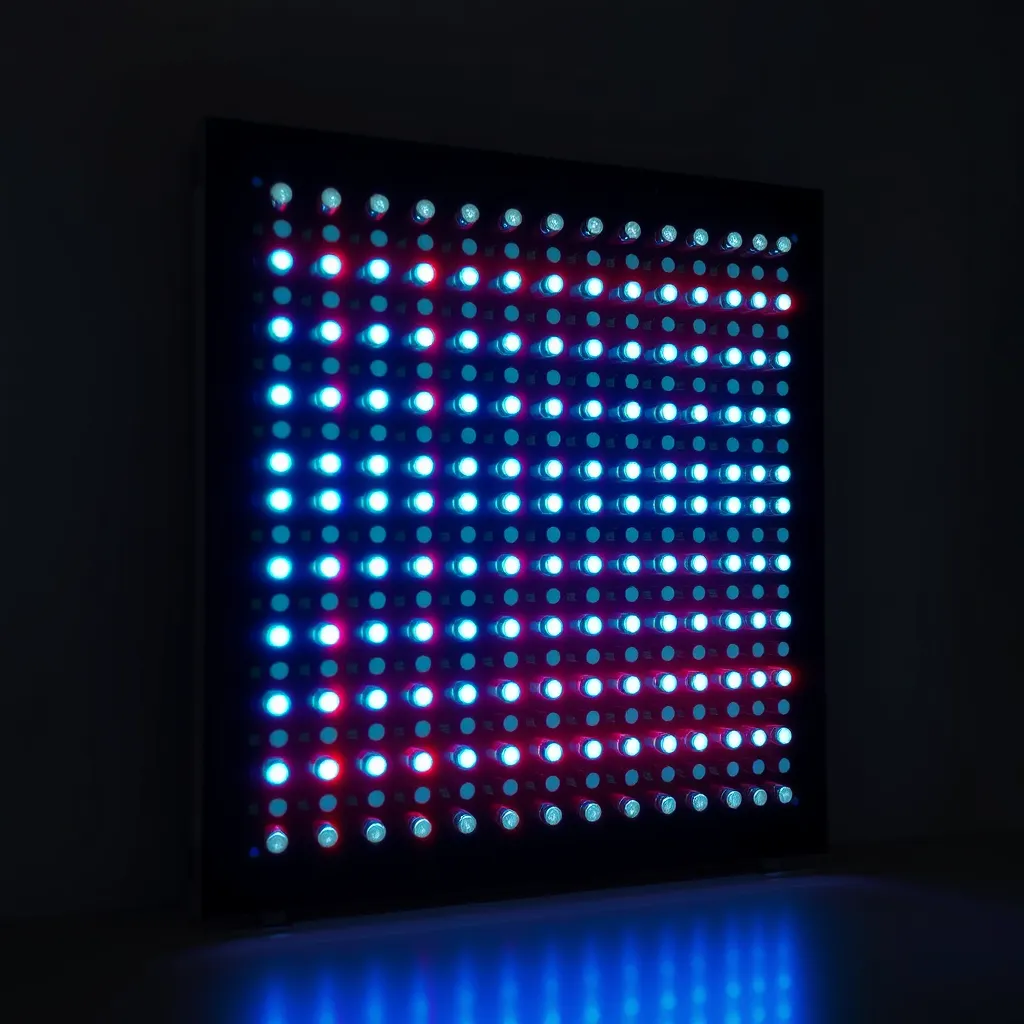
Not all LED-backlit displays are created equal. The placement and quantity of the LEDs significantly impact the final image quality, particularly regarding contrast and brightness uniformity. There are three primary configurations used in modern hardware.
Edge-Lit Displays
In an edge-lit configuration, the LEDs are arranged along the perimeter of the screen-usually at the bottom or along the sides. A "light guide plate" (LGP) then diffuses this light across the back of the LCD panel. This is the most common configuration for budget TVs and ultra-thin laptops. While it allows for a very slim profile (often less than 20mm deep), it frequently suffers from "flashlighting," where the corners of the screen appear brighter than the center during dark scenes.
Direct-Lit and Full-Array Local Dimming (FALD)
Direct-lit displays place LEDs directly behind the LCD panel. In basic models, these LEDs are few and stay on at a constant brightness. However, higher-end models use Full-Array Local Dimming (FALD). This technology divides the LED backlight into hundreds or thousands of individual "zones." If a movie scene shows a bright moon in a dark sky, the TV can turn up the brightness for the zones behind the moon and completely dim the zones behind the dark sky. This significantly improves black levels and makes the display look more like an OLED.
Mini-LED Technology
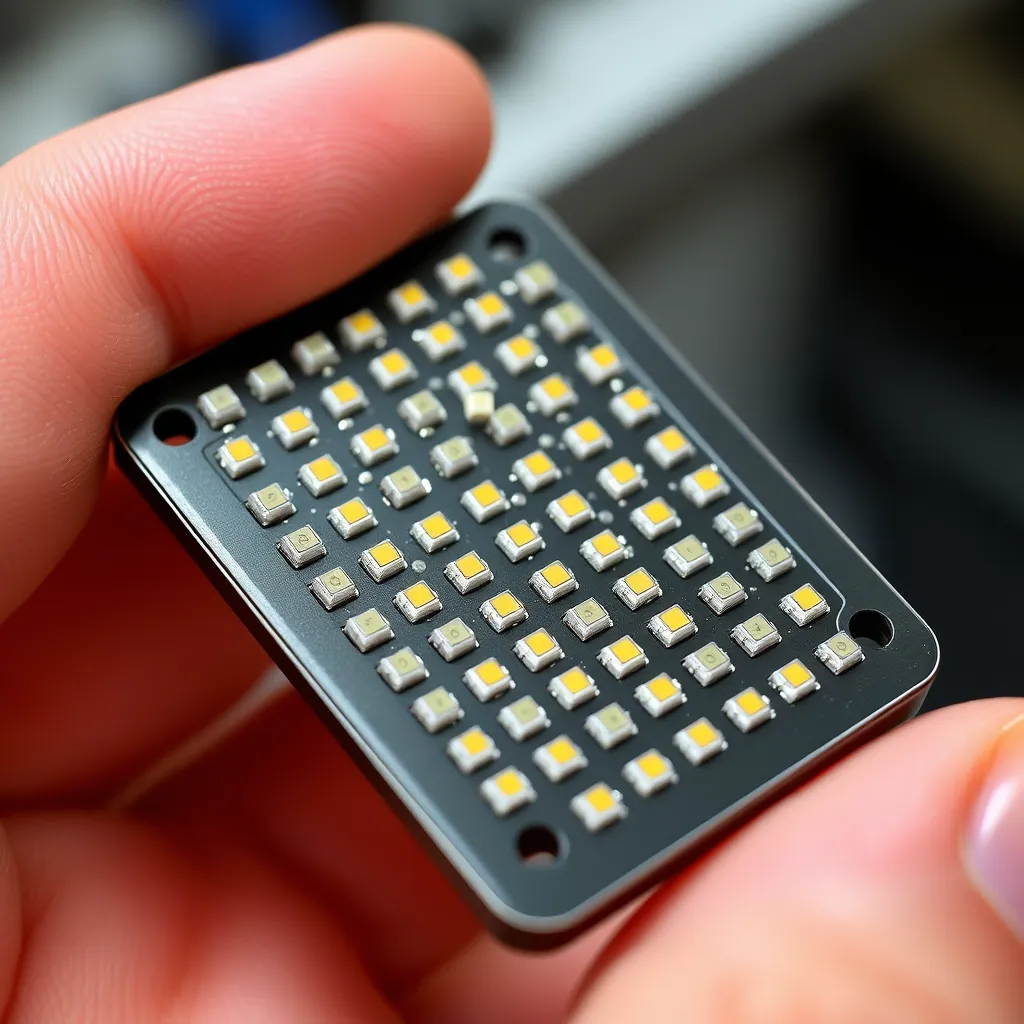
Mini-LED is the current pinnacle of LCD backlighting. By shrinking the size of the LEDs to roughly 200 microns, manufacturers can pack tens of thousands of them into a single display. This allows for a massive increase in dimming zones. While a standard FALD TV might have 50 to 500 zones, a Mini-LED display can have over 2,000. This precision reduces "blooming"-the hazy glow sometimes seen around bright objects on dark backgrounds-and allows for peak brightness levels exceeding 2,000 nits, which is essential for high-quality HDR (High Dynamic Range) content.
The Impact of Quantum Dots (QLED)
When discussing the difference between LCD and LED, the term "QLED" often enters the conversation. A QLED TV is still an LED-backlit LCD TV, but it includes an additional layer: a film of Quantum Dots. These are microscopic semiconductor particles that emit specific colors when hit by light.
In a standard LED TV, the "white" light from the LEDs is actually blue light passed through a yellow phosphor coating. This creates a somewhat "dirty" white that makes it difficult to produce pure reds and greens. In a QLED system, the backlight uses pure blue LEDs, and the Quantum Dot layer converts some of that blue light into highly saturated reds and greens. The result is a much wider color gamut and more vibrant images, particularly in bright rooms. This technology helps LCDs compete with the color purity of OLED without the risk of permanent image retention.
OLED: The True Alternative to LCD
While "LED TV" is a marketing term for a specific type of LCD, OLED (Organic Light Emitting Diode) is a fundamentally different technology. OLED is "emissive," meaning each individual pixel is its own light source. There is no backlight at all.
When an OLED pixel needs to show black, it simply turns off. It emits zero light, resulting in a contrast ratio that is technically infinite. This lack of a backlight also means OLEDs can be incredibly thin-sometimes as thin as a few millimeters. However, because the pixels are made of organic compounds, they degrade over time. If a static image (like a news ticker or a gaming HUD) is left on the screen for thousands of hours at high brightness, it can cause "burn-in," where a faint ghost of that image remains permanently visible. For most home users, this is a minor risk, but it is a factor that makes LED-backlit LCDs a safer choice for digital signage or as PC monitors where static taskbars are constant.
Choosing the Right Display for Your Environment
The choice between different variations of LCD/LED technology usually comes down to the lighting conditions of your room and your specific use case. No single technology is superior in every category.
Bright Living Rooms: LED-backlit LCDs (especially QLED and Mini-LED) are the clear winners. They can reach brightness levels of 1,500 to 2,500 nits, which is enough to cut through heavy glare from windows. OLEDs typically struggle to maintain high brightness across the entire screen and may look washed out in very sunny rooms.
Home Theater/Dark Rooms: OLED is the preferred choice. In a dark room, the "perfect blacks" of OLED create a level of immersion that even the best Mini-LED cannot quite match. The absence of blooming around subtitles or bright stars in space scenes is highly noticeable in low-light environments.
Gaming: Both technologies have narrowed the gap. OLEDs offer near-instantaneous response times (0.1ms), which eliminates motion blur. However, high-end LED displays now offer refresh rates up to 144Hz or 240Hz and are immune to the burn-in that might occur from 12-hour gaming sessions with static interface elements.
Budget Constraints: Standard edge-lit or direct-lit LED TVs remain the most cost-effective option. You can often purchase a 75-inch LED TV for the same price as a 48-inch OLED.
The Future: MicroLED
The industry is currently moving toward MicroLED, which aims to combine the best of both worlds. Like OLED, MicroLED is emissive (each pixel is an LED), but it uses inorganic materials (Gallium Nitride). This means it can achieve the perfect blacks and response times of OLED while offering the extreme brightness and longevity of traditional LEDs without the risk of burn-in. Currently, MicroLED is prohibitively expensive and mostly limited to massive, modular wall displays, but it represents the eventual convergence of "LED" and "LCD" into a single, superior technology.
Conclusion:
Modern displays have evolved remarkably, with LED backlighting replacing older CCFL tubes to deliver thinner profiles, lower power consumption, and better contrast control. The technology now spans edge-lit, Full-Array Local Dimming, and Mini-LED configurations, each offering different levels of precision and brightness. QLED enhances this further with quantum dots for vibrant colors, while OLED provides a truly emissive alternative with perfect blacks. Looking ahead, MicroLED promises to combine the strengths of both approaches. Ultimately, the right display depends on your environment and needs - bright rooms favor Mini-LED and QLED, dark theaters suit OLED, and budget setups remain well-served by standard LED TVs.
Frequently Asked Questions
Q1: Is an LED TV better for your eyes than an LCD?
A: Because "LED TVs" use the same LCD panels as older models, the primary factor for eye strain is not the light source itself, but the dimming method. Some LED backlights use Pulse Width Modulation (PWM) to dim the screen, which involves flickering the lights at high speeds. This can cause headaches for sensitive users. Look for "flicker-free" certified displays if you are prone to eye fatigue.
Q2: How long do LED-backlit screens last compared to older ones?
A: LED backlights are significantly more durable than CCFL tubes. A typical LED backlight is rated for 50,000 to 100,000 hours of use. If you watched TV for six hours every day, an LED-backlit display could theoretically last over 20 years before the lights dim to half their original brightness. CCFL tubes usually began to yellow or dim after 30,000 hours.
Q3: Can I use an LED TV as a computer monitor?
A: Yes, but there are caveats. Cheaper LED TVs often use a "4:2:0 chroma subsampling" method to save bandwidth, which can make small text look blurry or fringed with color. For monitor use, ensure the TV supports "4:4:4 chroma" or has a dedicated "PC Mode." Additionally, large LED screens can have lower pixel density than dedicated monitors, so you may see individual pixels if sitting close.