Bias lighting is a soft, dim light placed behind a TV or monitor that glows onto the wall around it. It reduces the harsh gap between a bright screen and a dark room, which cuts eye strain and makes your picture look better. It is cheap to add and one of the easiest upgrades for any screen.
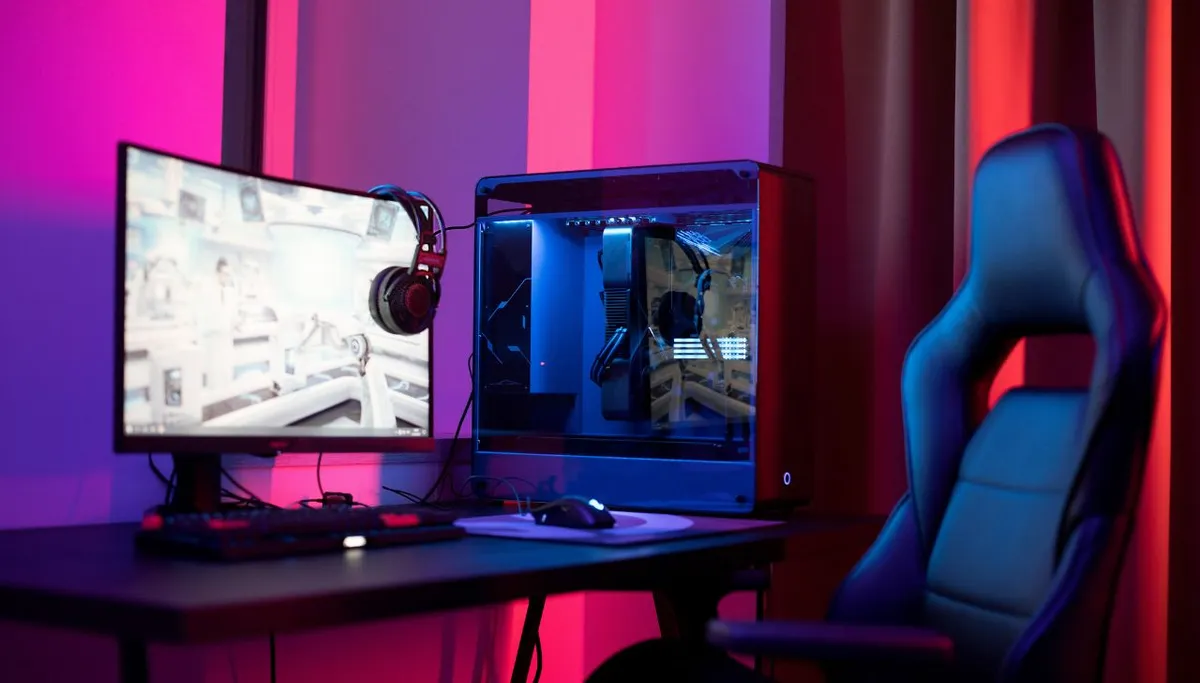
You have seen it without knowing the name - that gentle halo behind someone's TV or gaming monitor. Here is what it does and how to set it up right.
How Bias Lighting Works:
When you stare at a bright screen in a dark room, your eyes never settle. Your pupils keep opening and closing as they jump between the bright picture and the dark space around it.
That constant adjusting is what tires your eyes out. Bias lighting fixes it by adding a little light behind the screen, so the area around it is no longer pitch black.
With that gap softened, your pupils can relax and hold steady. The screen still looks bright, but your eyes stop fighting to keep up.
Why You Should Use It:
The first benefit is comfort. By easing that pupil workout, bias lighting reduces the dry eyes, headaches, and tired vision that come from long viewing sessions in the dark.
The second is a better picture. A dim glow behind the screen makes dark areas look deeper and richer, so blacks appear blacker and the whole image seems to pop with more contrast.
That is the surprise for most people: a light outside the screen makes the image on the screen look sharper - without touching a single setting.
Bonus: Because your picture looks better, you can turn the screen's brightness down. That is easier on your eyes and uses a little less power too.
How to Set Up Bias Lighting:
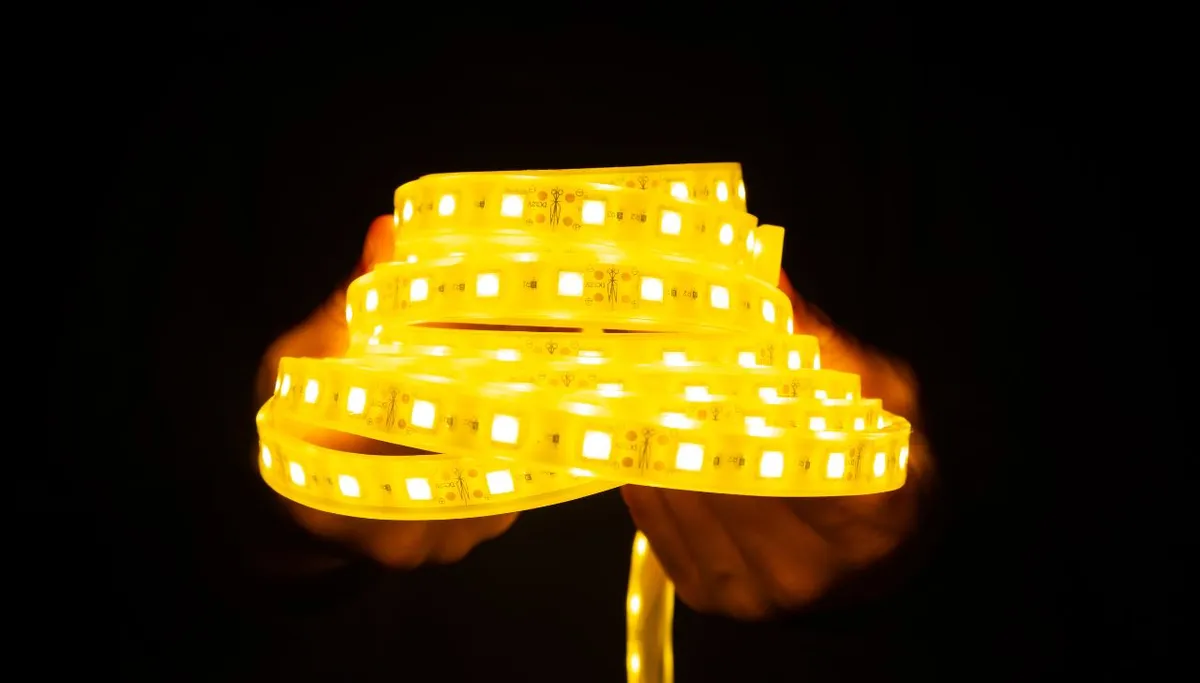
Most people use a USB-powered LED strip stuck to the back edges of the screen, facing the wall. Plugged into the TV's USB port, it powers on and off with the screen. Get these three things right:
Color: Choose 6500K white. It matches the white most screens use, so it does not tint how you see on-screen color. Skip color-changing modes for serious viewing - they throw your color perception off.
Color accuracy: Pick a strip with CRI 90 or higher so colors stay true.
Brightness: Keep it dim - no more than about 10% of your screen's brightness. Too bright ruins the effect.
Ready to pick a strip? See our guides to the best LED strip lights and the best LED lights for behind a TV. Building a full setup? Check our best LED lights for a gaming room.
Frequently Asked Questions:
Q1. Does bias lighting really reduce eye strain?
A: Yes. By lighting the wall behind the screen, it stops your pupils from constantly adjusting between bright and dark. That is the main cause of screen-related eye fatigue in a dark room.
Q2. What color should bias lighting be?
A: Neutral white at 6500K. It matches the white of most TVs and monitors, so your on-screen colors still look correct. Warm or color-changing light can shift how you see the picture.
Q3. How bright should bias lighting be?
A: Dim - around 10% of the screen's brightness or less. It should gently light the wall, not compete with the screen. If it draws your eye, turn it down.
Q4. Where do you put bias lighting?
A: On the back edges of the TV or monitor, aimed at the wall behind it. A peel-and-stick strip around the rear border gives an even glow with no visible light source.