A single LED strip can pulse hot pink during a party, glow soft amber for movie night, and flash rainbow patterns when your team scores - all from the same hardware, with no bulbs to swap. The technology behind this is called RGB, and it's one of the most elegant tricks in modern lighting.
Here's exactly how RGB LEDs change color, what the different types can (and can't) do, and how to choose the right setup for your space.
The Short Answer
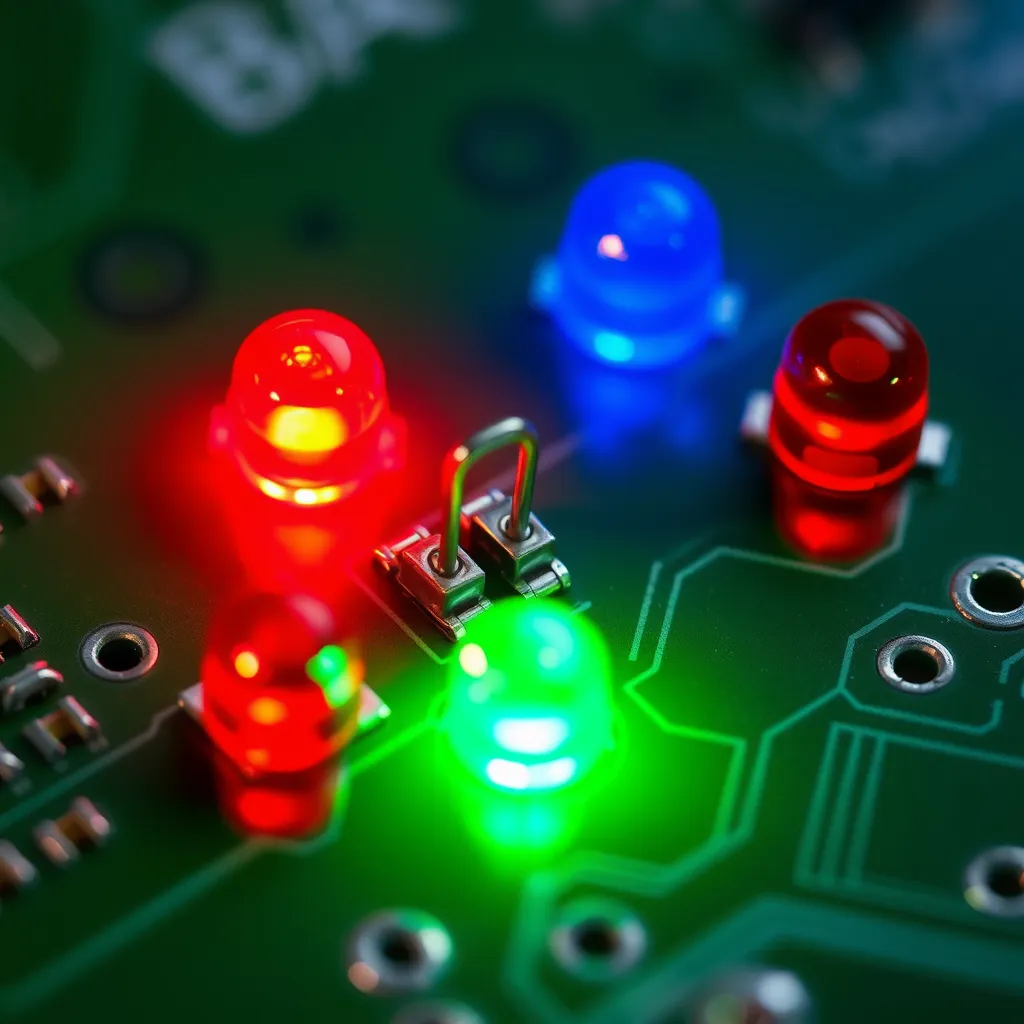
LED lights change color by combining red, green, and blue (RGB) diodes at varying brightness levels inside a single chip or strip. An LED controller sends different voltage levels to each color channel simultaneously, and the human eye perceives the combined output as a single blended color. By adjusting the intensity of each channel from 0 to 255, RGB LEDs can produce over 16 million color combinations. Adding a dedicated white channel (RGBW) improves the quality of neutral tones that pure RGB mixing struggles to reproduce accurately.
Unlike colored incandescent bulbs that use fixed-color glass filters, RGB LEDs produce color at the source. This means a single LED strip or bulb can switch between any color instantly, without swapping physical components.
How RGB Color Mixing Works
Each RGB LED contains three tiny semiconductor diodes: one red, one green, and one blue. These are the three primary colors of light (known as additive color mixing). The math is surprisingly simple:
Red + Green + Blue at full intensity = white light
Red + Green = yellow
Red + Blue = magenta
Green + Blue = cyan
Reduced intensity on any channel = pastels, mid-tones, and subtle shades
The Role of PWM
The controller manages this mixing electronically using Pulse Width Modulation (PWM). PWM rapidly switches each color channel on and off thousands of times per second. Increasing the "on" time makes that color brighter; decreasing it makes it dimmer.
The switching happens so fast - typically 500 Hz or higher - that the human eye perceives a steady, blended color rather than individual flashing diodes. This is the same principle that makes movies appear as smooth motion rather than a sequence of still frames.
Types of Color-Changing LEDs
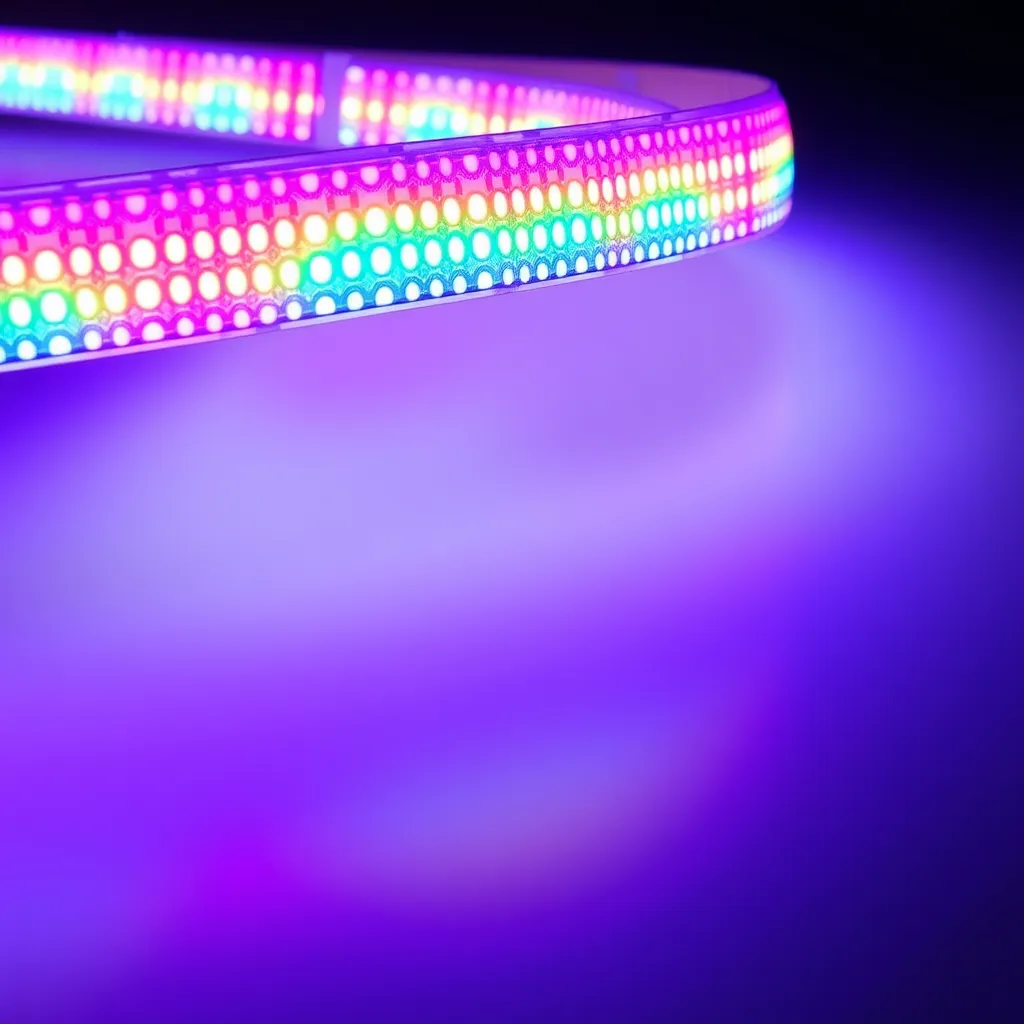
Not every "color-changing" LED is created equal. There are four main types, each suited for a different use case:
Type | Color Channels | Best For |
|---|---|---|
RGB | Red, Green, Blue | Accent lighting, mood effects, party lighting |
RGBW | Red, Green, Blue, White | Rooms that need both color effects and clean white light |
RGBWW | Red, Green, Blue, Warm White, Cool White | Premium installations needing tunable white plus full color |
Addressable (WS2812B, SK6812) | Per-pixel RGB control | Animations, chasing effects, screen backlighting |
If you only ever want one color at a time and live with imperfect whites, basic RGB is enough. If you want a strip that doubles as your room's main light, go RGBW or RGBWW. If you want rainbow waterfalls or sync-to-music effects, you need addressable.
Controllers: How You Actually Choose the Color
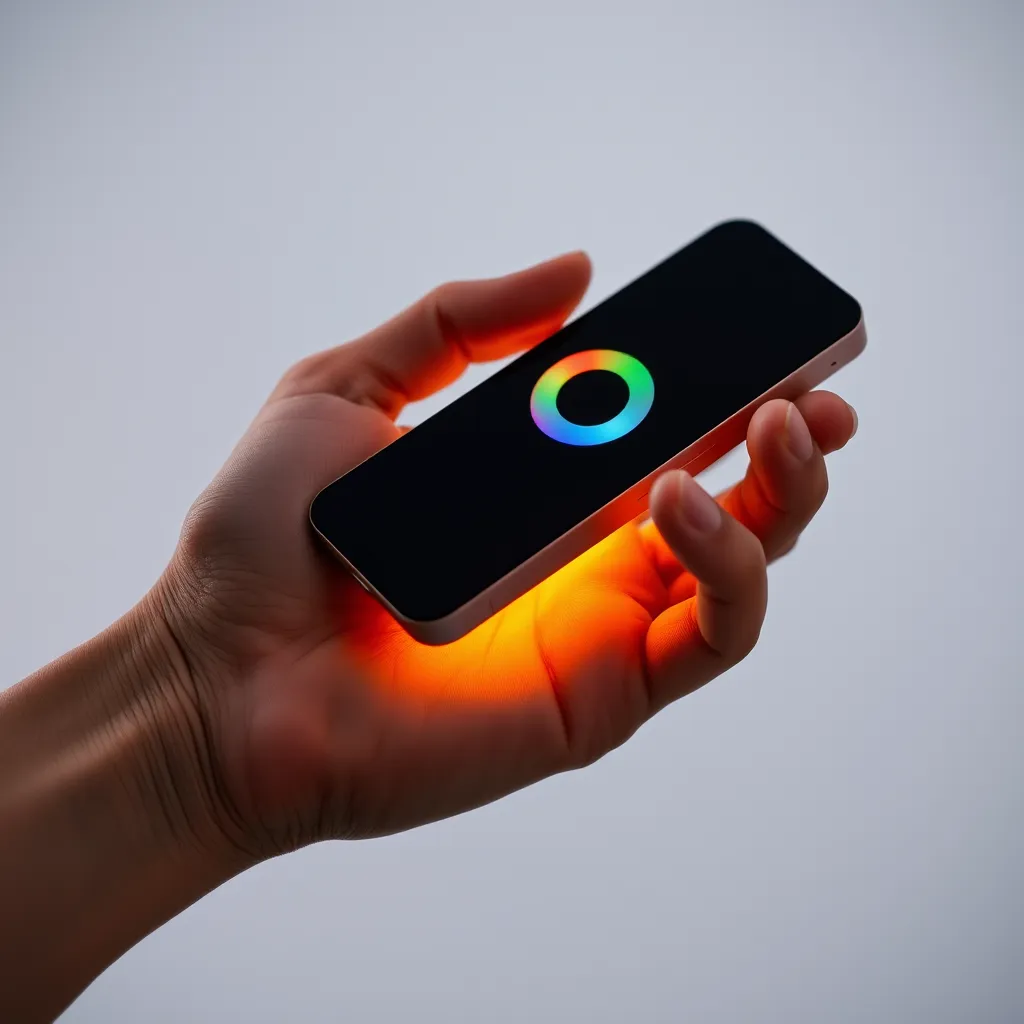
An RGB controller sits between the power supply and the LED strip or bulb. Pick the wrong one and your strip either won't light up correctly or won't light up at all.
IR controllers use a handheld remote with preset color buttons and basic effects. Cheap, simple, and limited.
Bluetooth controllers connect to a phone app and allow custom colors, timers, and music sync. Range is typically 30 feet or less.
Wi-Fi controllers offer the same app features but work from anywhere with internet, and integrate with smart-home platforms.
Smart-home controllers (Zigbee, Z-Wave, Matter) integrate with Alexa, Google Home, or Apple HomeKit for voice control and automation.
Matching Controller to Strip Type
This is where most DIY projects go wrong:
Standard RGB strips need a 3-channel controller
RGBW strips need a 4-channel controller
RGBWW strips need a 5-channel controller
Addressable strips (WS2812B, SK6812) need a digital controller that communicates with each LED individually
Using the wrong controller type will produce incorrect colors, partial output, or no light at all. Always match channel counts before you buy.
Why Some Colors Look Different Than Expected
If you've ever set your strip to "warm white" and gotten something more "hospital fluorescent," you've run into the limits of pure RGB mixing.
White light produced by blending red, green, and blue diodes often has a bluish or pinkish tint compared to a dedicated white LED. Pastel colors like lavender, peach, and warm amber are also difficult to reproduce accurately. This is why RGBW and RGBWW strips exist - the dedicated white channel handles neutral and warm tones, while the RGB channels handle vivid colors and effects.
Strip quality also matters more than most buyers realize. Budget RGB strips may have inconsistent diode binning, meaning the red diodes in one section may be slightly different in hue from those in another section. The result is visible color variation along the strip - one half of your TV backlight may look orange-red while the other looks blood-red. Higher-quality strips from established manufacturers use tightly binned diodes for consistent color across the entire length.
What to Look for When Buying
Before you click "buy," check these specs:
Type - RGB, RGBW, RGBWW, or addressable (match to your goal)
Density - 30, 60, or 120 LEDs per meter (higher = smoother, brighter)
Voltage - typically 12V or 24V (24V is better for runs over 16 feet)
Wattage per meter - determines your power supply size
IP rating - IP65 or higher for outdoor or bathroom use
CRI - aim for 90+ if color accuracy matters
A cheap 30 LED/meter strip will look spotty and dim. A premium 120 LED/meter strip with high CRI will look like a continuous glowing line.
Conclusion:
Understanding the science behind RGB technology empowers you to truly transform your environment with light. Beyond mere illumination, these systems offer an unparalleled palette for expressing mood, enhancing décor, or simply enjoying dynamic visual effects. The ability to instantly shift from a vibrant party atmosphere to a calming, subtle glow, all from the same fixture, underscores the versatility and creative potential that modern LED lighting brings to our spaces.
As you embark on your own lighting projects, remember that matching the right LED type with its corresponding controller is key to unlocking its full potential. Whether you're seeking simple accent lighting or complex animated displays, a thoughtful approach to your RGB setup will ensure a rewarding and customizable lighting experience for years to come. The future of personalized illumination is here, and it's brilliantly colorful.
Frequently Asked Questions
Q1: Can you change LED light color without a remote?
A: Yes. If your LED strip or bulb connects to a Bluetooth or Wi-Fi controller, use the manufacturer's phone app to change colors. Some controllers also have a physical button on the unit that cycles through preset colors. If you lost your IR remote, universal LED remotes are available for under $5 and work with most standard RGB controllers.
Q2: Do color-changing LEDs use more electricity?
A: Color-changing RGB LEDs use roughly the same power as single-color LEDs of the same length and density. When displaying a single color (only one channel active), they actually use less power than when all three channels are at full brightness (white). The controller itself adds negligible power draw, typically under 1 watt.
Q3: What is the difference between RGB and addressable LED strips?
A: Standard RGB strips change the entire strip to one color at a time because all diodes are controlled together. Addressable strips (like WS2812B or SK6812) can control each individual LED independently, allowing rainbow gradients, chasing patterns, and complex animations. Addressable strips cost more and require a compatible digital controller, but they offer dramatically more creative flexibility.