How to Make Dark Purple LED Lights

How to Make Dark Purple LED Lights

Colors & Smart6 min readMarch 16, 2026A.Wahab

Make dark purple LED lights by setting RGB to R:75 G:0 B:130 or hex #4B0082. On strip remotes, mix blue at full with red at 30-40%.

To make dark purple LED lights, set the RGB values to approximately R:75, G:0, B:130 (hex code #4B0082, also called "indigo"). On an RGB LED strip remote control, press the blue button first, then tap the red increase button 3-5 times to add a controlled amount of red while keeping green at zero. On smart LED apps (Philips Hue, Govee, LIFX), use the color wheel to select a purple hue, then drag the brightness slider down to 30-50% for a deeper, darker purple. The key to achieving dark purple (rather than light violet or lavender) is using more blue than red, no green, and reduced overall brightness.

RGB Values for Different Purple Shades

Purple Shade

R

G

B

Hex Code

Description

Dark Purple / Indigo

75

0

130

#4B0082

Deep, rich purple - the target shade

Royal Purple

120

0

200

#7800C8

Brighter, more vibrant purple

Deep Violet

50

0

100

#320064

Very dark, almost black-purple

Plum

140

0

110

#8C006E

Red-leaning purple, warmer tone

Lavender

150

100

200

#9664C8

Light, pastel purple (not dark)

Method 1: Using an RGB LED Strip Remote

Most RGB LED strip kits include a 24-key or 44-key infrared remote with preset color buttons and DIY color mixing buttons. To create dark purple:

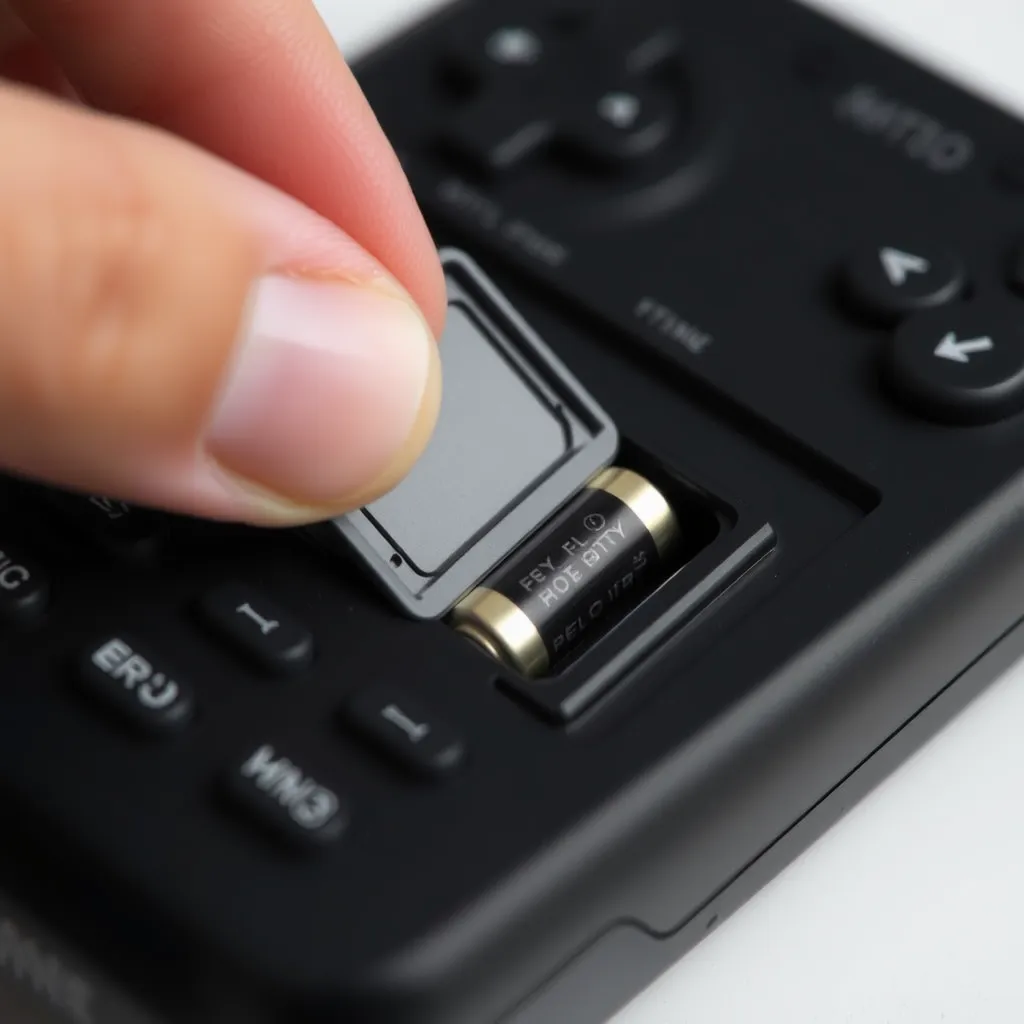
A person holding a standard infrared LED remote control against a dark backdrop.
  • Press the blue preset button first (this sets R:0, G:0, B:255).

  • Use the red up arrow (labeled "R+" or "Red ↑") to incrementally add red.

  • Tap it 3-5 times until the blue shifts to a visible purple.

  • Keep green at zero - any green addition shifts the color toward white or teal, ruining the purple.

To darken the purple, reduce overall brightness using the brightness down button. Most remotes have a brightness control that dims all three color channels proportionally, maintaining the purple hue while reducing the intensity. If your remote has a "DIY" button, press it, set the red value to 30-40% (3-4 out of 10 on the adjustment scale), keep green at 0%, and set blue to 100%. This produces a rich dark purple that is adjustable to your specific preference.

Method 2: Using a Smart LED App

Govee App

Open the Govee app, select your LED device, and tap the color wheel. Touch the purple/violet region of the color wheel (between blue and magenta). Drag the brightness slider down to 30-50% for a darker shade. Fine-tune using the RGB slider mode: set R to 75, G to 0, B to 130. Save as a custom scene for quick access.

A smartphone displaying a colorful light control app interface on a desk.

Philips Hue App

Open the Hue app, select the light, and tap the color picker. Navigate to the purple zone on the color gamut triangle. For darker purple, reduce the brightness bar. Hue lights can also use the XY color space - for precise dark purple, set X:0.25, Y:0.10 with brightness at 40-60%. Alternatively, enter the Mired value or use the "Scenes" feature to save your custom dark purple for one-tap activation.

LIFX App

LIFX provides direct HSB (Hue, Saturation, Brightness) control. Set Hue to 275° (purple), Saturation to 100% (fully saturated), and Brightness to 30-50% for dark purple. The HSB model is the most intuitive for creating dark colors - simply lower the brightness while keeping saturation at maximum to darken any color without washing it out.

Method 3: Using Hex Codes

Smart LED systems that accept hex color codes provide the most precise color control. Enter #4B0082 for standard dark purple (indigo), #320064 for a deeper near-black purple, or #6A0DAD for a slightly brighter true purple. Hex codes eliminate the guesswork of color wheel selection - enter the code once and the LED reproduces the exact color every time. Most smart LED apps (Govee, Philips Hue, Home Assistant) include a hex code input field in their advanced color settings.

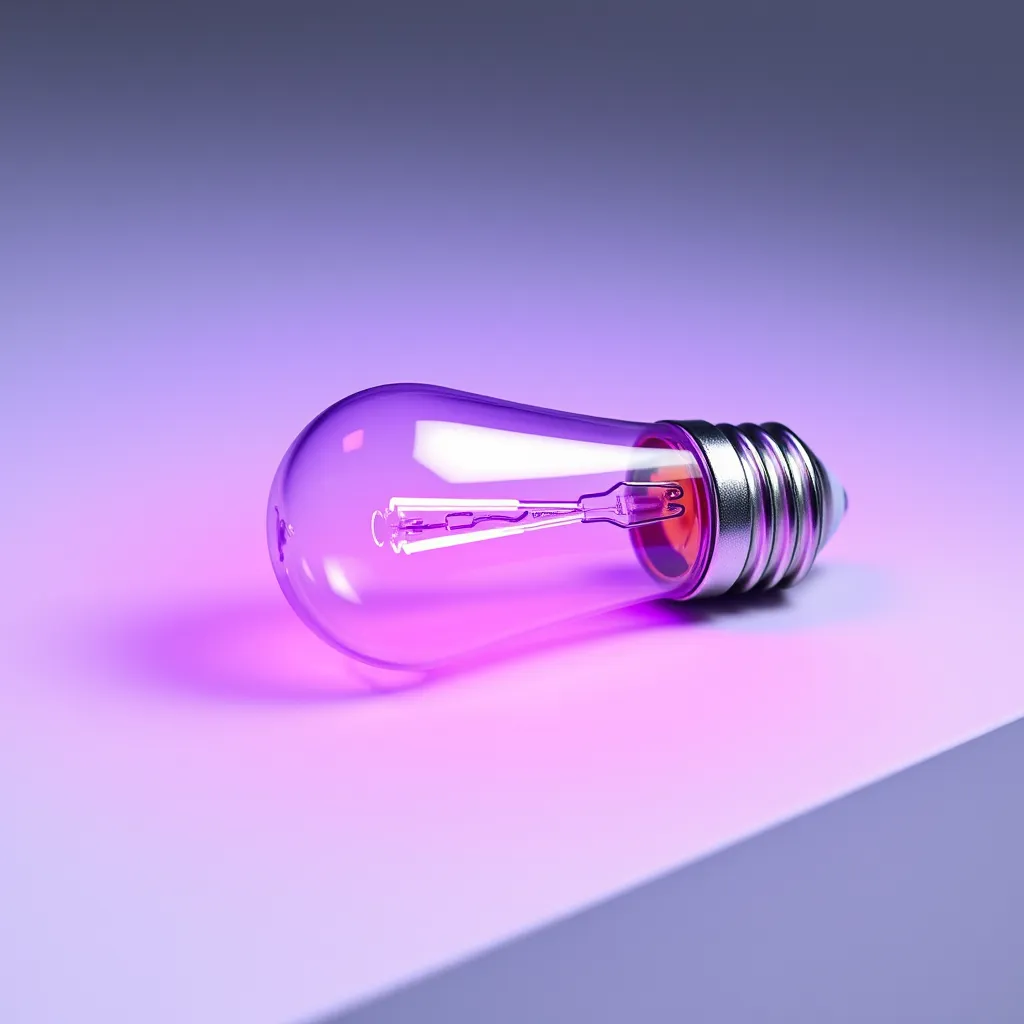
A modern LED light bulb glowing with a deep purple hue.

If your LED system does not accept hex codes directly, convert the hex to RGB values: #4B0082 converts to R:75, G:0, B:130. Online hex-to-RGB converters make this translation instant. For consistency across multiple LED devices or rooms, hex codes ensure every fixture displays the identical shade - useful for coordinated room setups where slight color variations between devices would be noticeable.

Why Your Purple Might Not Look Right

Too Much Red

Adding excessive red shifts purple toward magenta or pink. Reduce red and increase blue to restore the purple hue. Dark purple should have approximately a 1:2 ratio of red to blue - significantly more blue than red.

Green Contamination

Any green light in the mix shifts purple toward gray, white, or muddy tones. Ensure green is at absolute zero (0). Some preset "purple" buttons on cheap remotes include a small amount of green, producing a washed-out lavender rather than a rich dark purple. Use DIY/custom mode to manually set green to zero.

LED Quality

Budget RGB LED strips with low-quality LEDs may produce a visibly blue-ish or magenta-ish purple because the red and blue LED chips have poor spectral overlap. Higher-quality RGB strips with well-matched LED chips produce cleaner, more accurate color mixing. RGBW strips (with a dedicated white LED) can produce superior purples because the white channel can compensate for spectral gaps between the red and blue chips.

Conclusion

Achieving the perfect dark purple is as much about what you leave out as what you put in. By keeping green values at zero and resisting the urge to max out the red channel, you maintain the depth and moodiness that defines a true indigo or royal purple. Remember that the physical quality of your LED strip - specifically the density of the chips-will determine how well these colors blend; higher density strips like COB LEDs will always produce a more seamless purple glow than older SMD models.

As you experiment with these settings, consider how your room's wall color affects the output. Darker walls will absorb more light, naturally enhancing the 'dark' effect of your purple settings, while white walls may require you to drop the brightness even further to avoid a washed-out lavender look. Fine-tuning your setup with hex codes or HSB sliders ensures that once you find that perfect atmospheric shade, you can replicate it instantly across every fixture in your home.

Frequently Asked Questions

Can LED strip lights make a true dark purple?

Standard RGB LED strips can produce a convincing dark purple, but it will not match the visual depth of a dedicated purple (violet) LED. RGB strips create purple by mixing red and blue light - the human eye perceives this as purple, but it is technically two separate wavelengths, not the single 380-450nm wavelength of true violet light. For most room lighting and ambiance applications, RGB-mixed purple is visually indistinguishable from "true" purple. For applications requiring exact spectral accuracy (plant growth, art lighting), a dedicated UV or violet LED would be necessary.

Why does my dark purple look blue on camera?

Camera sensors (especially smartphone cameras) interpret the red-blue mix differently than the human eye. The camera's auto white balance often overcorrects the low-red, high-blue combination, emphasizing the blue and suppressing the red component. To capture dark purple accurately on camera, switch to manual white balance (set to approximately 5500K-6500K), slightly increase exposure compensation, and if possible, add a tiny amount of warm-toned fill light to help the camera sensor register the red component of the purple mix more accurately.

What is the best LED product for dark purple room lighting?

RGBW LED strip lights with app control (Govee RGBIC, Philips Hue Lightstrip) provide the best dark purple experience because the dedicated white LED channel, combined with precise app-based color control and brightness adjustment, produces richer, more accurate purples than basic RGB strips with IR remotes. Smart bulbs (Philips Hue, LIFX) in table and floor lamps also produce excellent dark purple ambiance. For the deepest, most saturated purple, use multiple LED sources set to the same color - the overlapping light coverage creates a more immersive and uniform purple environment.