Finding your lights glowing or fully illuminated when the switch is in the "off" position can feel like a scene from a paranormal thriller. However, the explanation is rooted in electrical physics rather than the supernatural. LED technology operates on fundamentally different principles than the incandescent bulbs of the past, making them susceptible to minor electrical fluctuations that were previously invisible.
The core of the issue lies in the minimum strike voltage and current required to activate a light source. An old-fashioned 60-watt incandescent bulb is a "dumb" resistor; it requires a significant flow of electricity to heat a tungsten filament until it glows. In contrast, an LED (Light Emitting Diode) is a semiconductor. These components are incredibly efficient, often requiring as little as 0.5 to 1 milliamp (mA) of current to produce a visible glow. When small amounts of energy leak into a circuit-what electricians call "phantom" or "parasitic" current-the LED driver captures it, stores it in a capacitor, and eventually discharges it through the diodes.
The Science of Low-Wattage Sensitivity
To understand why these fixtures behave this way, we must look at the power requirements. A standard 10-watt LED bulb produces the same amount of light as a 60-watt incandescent. Because the LED uses 85% less energy, its threshold for activation is proportionally lower. Even when a switch is "off," various factors can allow a tiny amount of electricity to bypass the break in the circuit.
Bulb Type | Typical Operating Current | Minimum Current for Visible Glow | Sensitivity Level |
|---|---|---|---|
Incandescent (60W) | 500 mA | ~50 mA | Very Low |
Halogen (50W) | 415 mA | ~40 mA | Low |
CFL (13W) | 110 mA | ~10 mA (often flickers) | Medium |
LED (9W) | 75 mA | 0.5 mA - 1.0 mA | Extreme |
This sensitivity means that electrical noise, induction, or the internal requirements of modern switches can provide enough "fuel" to keep an LED partially energized. This manifests either as a constant dim glow or a rhythmic "strobe" effect where the light flashes every few seconds as the internal capacitor charges and then dumps its energy.
Leakage Current from Modern Switches
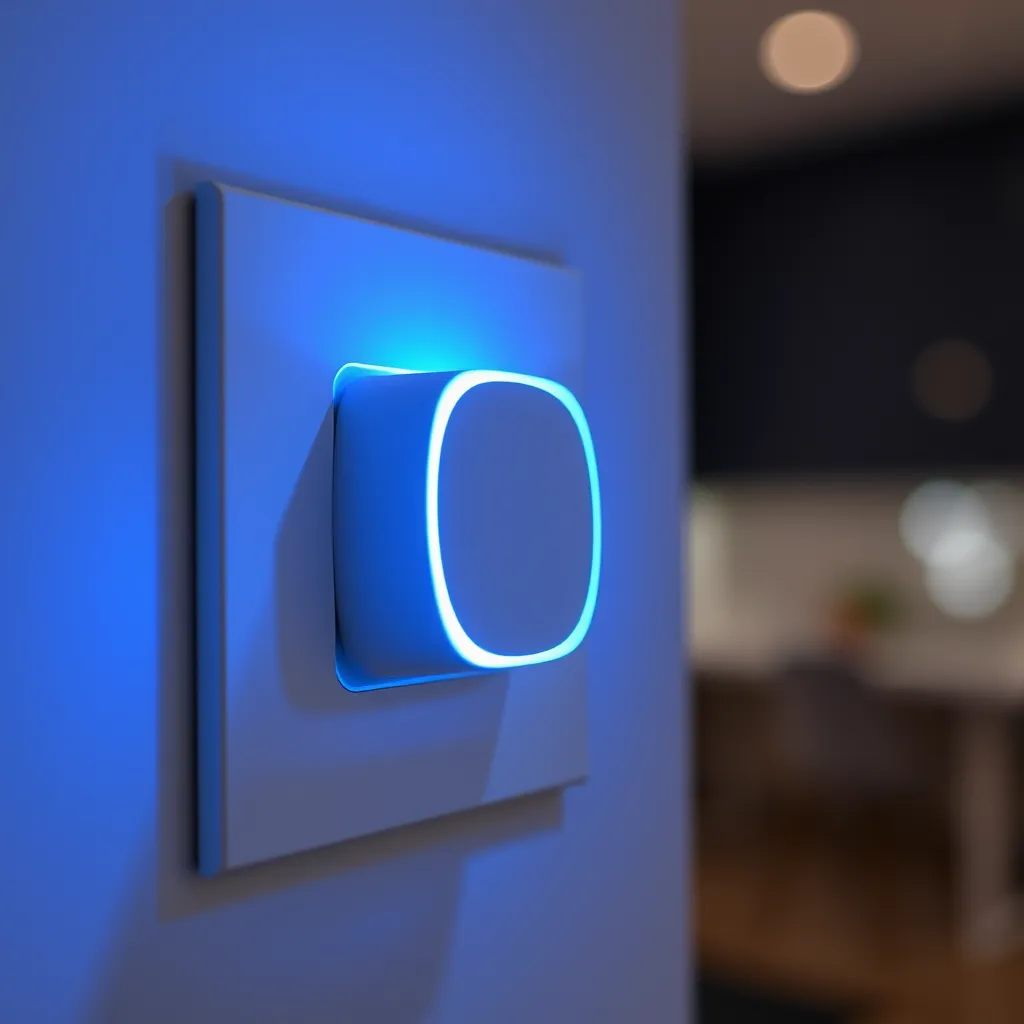
The most frequent culprit behind lights turning on independently is the switch itself. In the past, a wall switch was a simple mechanical bridge. When you flipped it down, the metal contacts physically separated, creating an air gap that electricity could not cross. Modern homes, however, are increasingly filled with smart switches, dimmers, and illuminated "find-in-the-dark" toggles.
The "Always-On" Nature of Smart Devices
Smart switches are essentially small computers embedded in your wall. To stay connected to your Wi-Fi or Zigbee network, they must remain powered 24/7. Many older homes lack a "neutral" wire at the switch box, which is the standard return path for electricity. To solve this, "no-neutral" smart switches are designed to leak a microscopic amount of current through the light bulb itself to complete their own internal circuit. While this current is too small to affect an incandescent bulb, it is often enough to keep an LED driver energized.
Illuminated and Pilot Light Switches
Standard switches that feature a small neon or LED glow-in-the-dark indicator also cause this issue. These indicators are wired in series with the load. When the switch is off, the electricity flows through the tiny indicator bulb and then through your ceiling fixture to find its way to the neutral wire. This trickle of current is exactly what causes the "phantom" activation. If you notice the glow is constant and very dim, the illuminated switch is likely the source.
Ghost Voltage and Capacitive Coupling
Sometimes the cause isn't a switch at all, but the way the wires are physically arranged inside your walls. This phenomenon is known as capacitive coupling. When two or more wires run parallel to each other for a long distance (such as in a hallway or between floors), the energized "hot" wire creates an electromagnetic field. This field can induce a voltage in the adjacent "dead" wire leading to your LED fixture.

This is often referred to as "ghost voltage." While a multimeter might show 30V or 60V on a switch that is turned off, there is no "real" power behind it-until you connect an ultra-efficient LED. The LED acts as a load that captures this induced energy. This is particularly common in:
Long cable runs: Exceeding 30 feet.
Multi-way configurations: 3-way or 4-way switches where multiple travelers run in the same Romex sheath.
Conduit installation: Metal conduits where wires are packed tightly together.
If your lights only glow in certain rooms or along specific circuits, capacitive coupling is a strong candidate. Because this is a physical property of the wiring layout, replacing the switch won't solve the problem.
Motion Sensors and Environmental Triggers
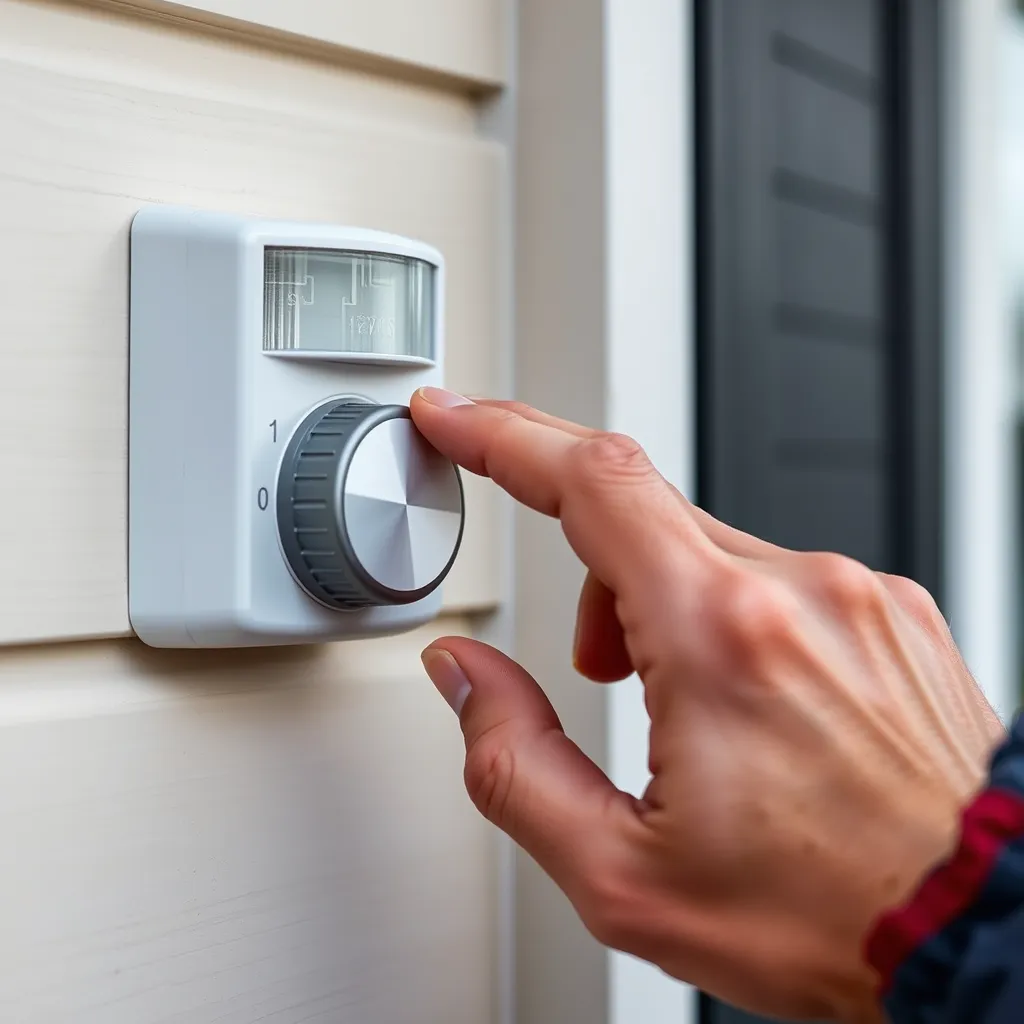
For fixtures that turn on fully rather than just glowing, the issue is often a Passive Infrared (PIR) sensor. These sensors do not "see" movement in the traditional sense; they detect changes in heat signatures. If your outdoor floodlights or indoor closet lights are activating randomly, the sensor is likely reacting to environmental shifts that it interprets as human activity.
Common False Triggers for PIR Sensors
PIR sensors are highly susceptible to "thermal noise." A sudden gust of warm air from an HVAC vent, the cooling of a car engine in a driveway, or even a large dog can trigger the sensor. In outdoor settings, swaying tree branches can move "hot" spots (areas heated by the sun) across the sensor's field of view, causing the lights to kick on.
Furthermore, many modern motion sensors use a solid-state switching component (like a TRIAC) rather than a mechanical relay. Similar to smart switches, these components often require a minimum load to function correctly. If the LED bulb's wattage is too low, the TRIAC may fail to "close" completely or may "leak" enough current to keep the light flickering.
Interference and Smart Home Logic Errors
In a fully integrated smart home, the reason lights turn on by themselves is often digital. This can be categorized into Radio Frequency (RF) interference and automation conflicts.
RF Interference
Wireless devices operate on specific frequencies (usually 2.4GHz). If you have a high-powered router, a baby monitor, or even a microwave oven near a smart bulb or switch, the "noise" can occasionally be misinterpreted by the device as a "turn on" command. This is especially true for cheaper, unshielded smart bulbs that lack robust signal filtering.
Ghost Routines and Cloud Latency
If you have ever moved a smart bulb from one room to another or changed smart home platforms, "ghost routines" may still exist in the cloud. A forgotten "Vacation Mode" or a sunset-trigger schedule from an old app can continue to send commands to your bulbs. Additionally, cloud latency can cause a "popcorn effect" where a command you sent five minutes ago finally reaches the bulb due to a momentary internet hiccup.
Practical Solutions to Stop Phantom Activation
Fixing these issues requires matching the solution to the specific cause. Before calling an electrician, you can attempt several low-cost fixes to stabilize your lighting circuit.
1. Install a Load Resistor or Capacitor
The most effective fix for glowing LEDs caused by smart switches or capacitive coupling is a Bypass Module or a Load Resistor (such as the Lutron LUT-MLC). This component is installed at the light fixture, wired in parallel between the hot and neutral wires. It acts as a "sink" for phantom current, absorbing the tiny amounts of electricity before they reach the LED driver. It effectively mimics the higher load of an incandescent bulb without the high energy consumption.
2. Upgrade to High-Quality LED Drivers
Not all LED bulbs are created equal. Premium brands invest more in the internal driver circuitry. High-quality drivers include "bleeder" circuits designed to dissipate small amounts of leakage current. If a cheap "no-name" bulb is glowing, replacing it with a reputable brand like Philips, Cree, or GE can often resolve the issue, as their drivers have higher thresholds for activation.
3. Physical Sensor Adjustments
If motion sensors are the problem, try the "masking" technique. Use small strips of electrical tape to narrow the sensor's field of vision, blocking out HVAC vents or busy streets. Additionally, check the "Sensitivity" dial usually located on the bottom of the sensor unit. Turning it toward the "Min" setting will require a more significant heat signature to trigger the light.
4. Check for Shared Neutrals
In older wiring, electricians sometimes shared a single neutral wire between two different circuits (a Multi-Wire Branch Circuit). This can lead to neutral-to-ground voltage, which can energize LED bulbs when other appliances on the shared circuit are running. If your lights turn on or flicker when the refrigerator or vacuum starts, you likely have a shared neutral or a loose neutral connection in your breaker panel that needs professional attention.
Conclusion:
Phantom LED activation, while unsettling, is almost always a harmless byproduct of modern electrical design rather than a wiring emergency. The extreme sensitivity of LEDs means they respond to tiny leakage currents from smart switches, illuminated toggles, capacitive coupling, or oversensitive motion sensors-energy that incandescent bulbs simply ignored. The good news is that most cases are fixable without major rewiring. Installing a load resistor or bypass module, upgrading to quality LED drivers, adjusting sensor sensitivity, or checking for shared neutrals will resolve the vast majority of issues. If glowing comes with buzzing or burning smells, however, call a licensed electrician promptly.
Frequently Asked Questions
Q1: Is it dangerous if my LED lights glow while the switch is off?
A: Generally, no. The amount of current causing a phantom glow is extremely low-usually less than 1 watt of energy. It is not enough to generate significant heat or pose a fire risk. However, if the glow is accompanied by a buzzing sound or a burning smell, this indicates a loose connection or a failing component, which should be addressed immediately by an electrician.
Q2: Why do my lights only turn on by themselves at night?
A: There are two reasons for this. First, the faint glow caused by leakage current is often invisible during the day due to ambient sunlight; you simply don't notice it until the room is dark. Second, many smart home systems and outdoor sensors use photocells. When the sun goes down, these systems "wake up" and begin monitoring, which can introduce the trickle current that activates the LED.
Q3: Will a "smart bulb" fix the problem if my "dumb" bulb is glowing?
A: Actually, it might make it worse. Smart bulbs have their own internal power supplies and radios. If the issue is caused by a smart switch leaking current, adding a smart bulb creates a conflict between two devices trying to manage power. For the best results, use "dumb" high-quality LED bulbs with smart switches, or use smart bulbs with standard mechanical switches that remain in the "on" position.
Q4: Can a faulty ground wire cause my lights to turn on?
A: Yes. If your circuit lacks a proper ground or has a "floating neutral," the electricity will look for any path to return to the source. Sometimes, that path is through the LED driver and the fixture's casing. If you suspect a grounding issue, use a simple plug-in circuit tester to check the polarity and grounding of your home's outlets.