
Your LED light bulb flickers most likely because of an incompatible dimmer switch. If the bulb is on a dimmer circuit, that is the cause about 90% of the time. Old dimmers designed for 60W-600W incandescent loads cannot properly regulate the 8-10W draw of an LED, causing visible pulsing. Replace the dimmer with an LED-rated model ($15-$30) and the flickering stops. If the bulb is not on a dimmer, the cause is a loose connection, voltage fluctuation from an appliance, or a defective bulb - all of which are straightforward to diagnose and fix.
Quick Diagnosis
When It Flickers | Likely Cause | Fix |
|---|---|---|
Only when dimmed | Incompatible dimmer switch | Replace with LED-rated dimmer |
All the time, not on a dimmer | Loose bulb or wiring | Reseat bulb; check wire connections |
Briefly when appliance starts | Voltage fluctuation on shared circuit | Normal; move to separate circuit if bothersome |
New bulb flickers from day one | Low-quality bulb driver | Replace with ENERGY STAR certified bulb |
After months of normal use | Failing driver (overheating) | Replace the bulb |
Fix 1: Replace the Dimmer
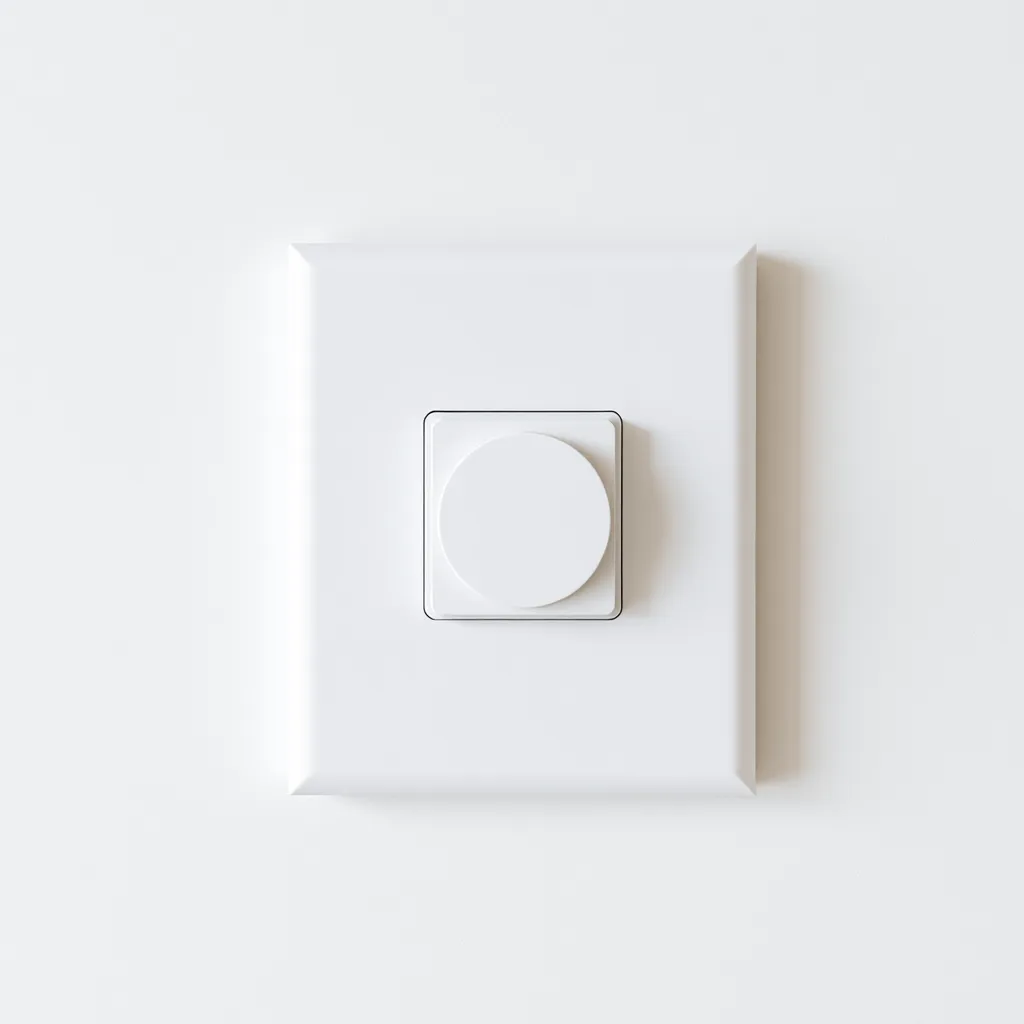
If your LED flickers on a dimmer circuit, swap the dimmer for an LED-compatible model. Trailing-edge dimmers handle LED loads as low as 1W without issues. The Lutron Diva CL ($25), Leviton SureSlide ($18), and Lutron Caseta ($60 with smart features) are all widely compatible. Installation takes 15 minutes: turn off the breaker, remove the old dimmer, connect the new one (same wiring), and restore power. Check the new dimmer's compatibility list against your specific LED bulb for guaranteed results.
Fix 2: Reseat the Bulb
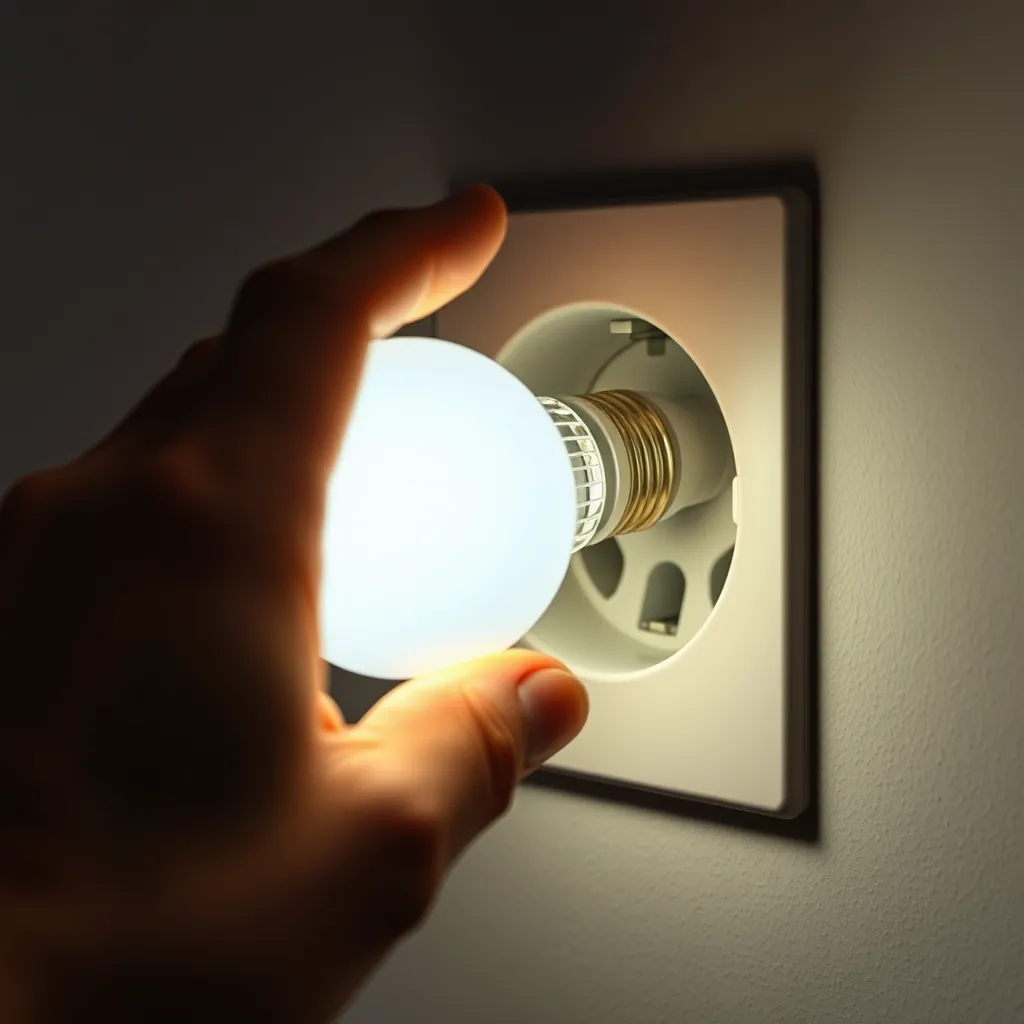
Turn off the switch and let the bulb cool. Unscrew it completely, then screw it back in firmly until it stops. A partially seated bulb makes inconsistent contact with the socket, causing flicker. For recessed fixtures, push the retrofit trim ring up to verify the spring clips are fully engaged and the bulb adapter is screwed in all the way. If the socket's center contact is depressed too far, carefully pry it up slightly (with power off) using a wooden stick.
Fix 3: Check Wiring
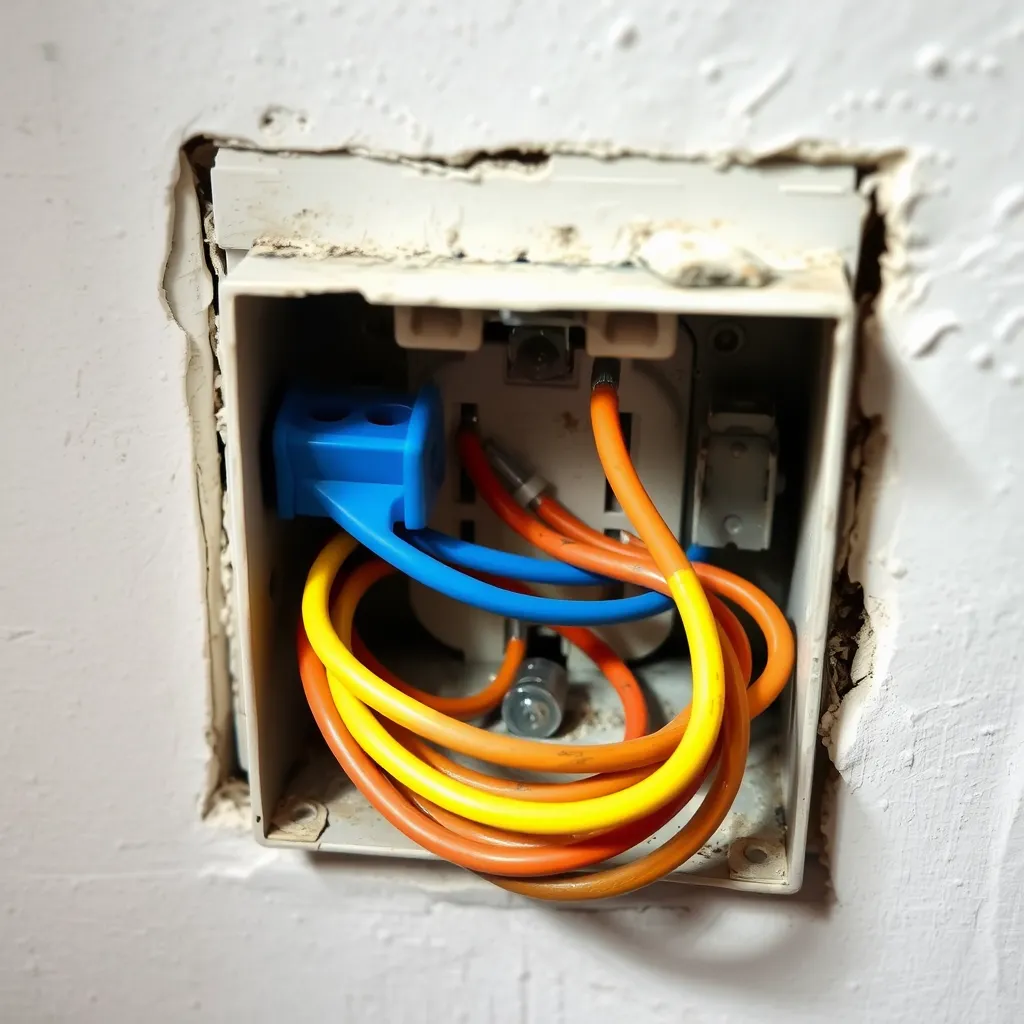
Turn off the breaker. Remove the switch plate and pull the switch gently out of the box. Check for loose wires, corroded connections, and backstab wiring (wires pushed into holes rather than wrapped around screws). Backstab connections are notorious for loosening over time. Switch to screw-terminal connections for reliability. At the fixture junction box, check that all wire nuts are tight. Any loose connection in the circuit can cause intermittent flicker.
Fix 4: Try a Different Bulb

If the bulb flickers in multiple fixtures, the bulb has a low-quality driver with insufficient capacitor filtering. Replace it with an ENERGY STAR certified LED from a major brand (Philips, Cree, Feit Electric, GE). ENERGY STAR bulbs must pass flicker testing to receive certification, which eliminates the cheap-capacitor problem that causes flicker in budget bulbs.
Conclusion:
While a flickering LED can be a nuisance, it is rarely a sign of a dangerous electrical failure. Most issues stem from a simple mismatch between old analog dimming technology and modern digital lighting. By ensuring your dimmers are LED-rated and your connections are tight, you can eliminate the strobe effect and enjoy the consistent, energy-efficient light these bulbs are designed to provide.
For the best long-term results, always prioritize high-quality bulbs from reputable brands. These manufacturers include superior components that can handle minor voltage fluctuations without visible pulsing. Investing in quality hardware today will prevent troubleshooting headaches and ensure your home lighting remains steady for years to come.
Frequently Asked Questions
Q1: Can flickering damage my LED bulb?
A: Flickering caused by a dimmer or voltage fluctuation does not directly damage the LED chips. However, the inconsistent power delivery stresses the driver circuit, potentially shortening the bulb's lifespan. Resolving the flicker source not only improves comfort but also protects the bulb's long-term reliability. A stable power supply is the single most important factor in LED longevity.
Q2: Why does my LED flicker when turned off?
A: A faint glow or flicker when the switch is off is caused by small amounts of leakage current passing through the dimmer circuit or smart switch. Even in the "off" position, some dimmers allow enough current to trickle through to faintly power the LED. Solutions include installing a bypass capacitor across the LED fixture (available for $5-$10), using a dimmer with a true mechanical off position, or adding a small incandescent bulb on the same circuit to absorb the leakage current.
Q3: Is LED flickering a fire hazard?
A: The flickering itself is not a fire hazard. However, if the flicker is caused by loose wiring, the loose connection generates heat that could damage wire insulation and potentially cause a fire over time. If your LED flickers and the switch or fixture feels warm, turn off the breaker and have an electrician inspect the wiring promptly. Dimmer-caused and bulb-quality flicker are not safety concerns - just comfort and annoyance issues.