To reset most LED lights, power cycle them: switch off or unplug the light, wait 10 seconds, and turn it back on. That clears the glitches behind stuck colors, frozen controls, and sudden flicker. Smart bulbs and strip controllers have their own factory-reset steps when that is not enough.
But before you reset anything, know this: a reset only fixes a light that is misbehaving, never one that is truly dead. Telling those two apart in ten seconds saves you from resetting a light that actually needs replacing.
Reset Only Fixes a Confused Light, Not a Broken One
A reset restarts the controller inside smart bulbs and RGB strips, clearing a software glitch. If a light went from working to fully dark, that is hardware, and no reset will bring it back.
The 10-Second Power Cycle That Fixes Most Glitches:
The simplest reset works on any LED. Switch off the light, or unplug a strip's power supply, wait 10 seconds, then switch it back on. The pause lets the capacitors fully discharge, wiping the stored state behind the glitch. If that fails, cut power for 30 minutes instead.
That full discharge resets every chip, including smart microcontrollers, and solves roughly 80% of LED misbehavior.
How to Factory-Reset a Smart Bulb:
Smart bulbs store your Wi-Fi login, scenes, and settings onboard. A factory reset wipes all of it, usually by toggling the bulb on and off in a set pattern at the wall switch. The sequence varies by brand.
Brand | Reset Sequence | Confirmation |
|---|---|---|
Philips Hue | App, Settings, Light, Delete, or use a Hue dimmer | Blinks, resets to warm white |
Wyze | On/off 3 times (1 sec each) | Pulses slowly |
LIFX | On/off 5 times (1 sec each) | Cycles through colors |
TP-Link Kasa | On/off 5 times rapidly | Blinks 3 times |
Govee | On/off 4 times (2 sec each) | Flashes rapidly |
After the reset the bulb enters pairing mode as a new device, so you re-add it to Wi-Fi and rebuild your scenes. Because you lose all that, try removing and re-adding it in the app first, and save the factory reset for last.
How to Reset a Stuck LED Strip Controller:
If the remote stops working or the strip is frozen on one color, reset the controller. For an infrared (IR) remote, point it at the controller's IR receiver and hold the power button 5 to 10 seconds. Some controllers have a pinhole, so press it with a paperclip for 3 seconds.
For Bluetooth or Wi-Fi controllers (Govee, HitLights, Magic Home), reset in the app under the device's settings. If the app will not connect, unplug the controller for 30 seconds, then hold its button while plugging it back in to force pairing mode.
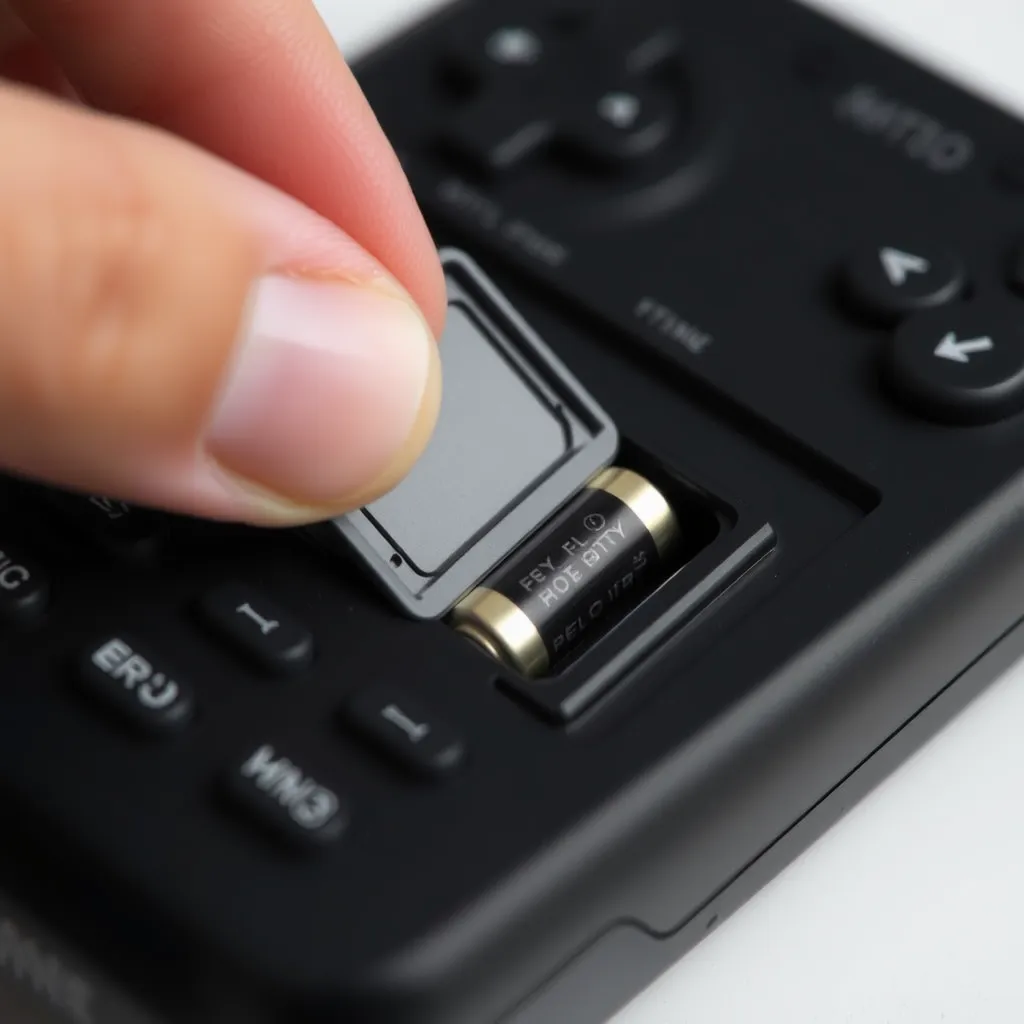
If the remote itself seems dead, our guide on how to open an LED light remote covers the battery and casing.
When a Reset Won't Help: Reset vs Replace:
This is the part that saves you time. Reset a light that is acting up, wrong colors, unresponsive, or stuck. Do not reset one that has gone completely dark, since that is a hardware failure a reset cannot touch.
If it went straight from working to dead, check the power supply and connections, and if those are fine, the LED or driver has failed. Our guide on how to fix LED lights covers those faults.
(FAQs):
Q1. Why do LED lights need to be reset?
A: Smart bulbs and RGB strips have microprocessors that lock into error states from surges, firmware bugs, or dropped signals. A reset clears that memory and restarts clean. Plain bulbs rarely need it, and a faint glow when off is usually residual current, the same effect behind strips that glow after power off.
Q2. Will resetting LED lights delete my settings?
A: A power cycle does not, it just restarts the controller. A factory reset erases everything, Wi-Fi login, scenes, schedules, and groups, so you rebuild from scratch. That is why a factory reset should be your last step, not your first.
Q3. My strip remote stopped working after new batteries. How do I fix it?
A: New batteries do not re-pair the remote. Check the battery polarity, then point the remote at the controller's IR sensor from within 10 feet. If it still fails, hold the remote's power button and the controller's button together for 3 to 5 seconds to re-pair.
Q4. How long should I leave LED lights off to reset them?
A: Start with 10 seconds, which clears most glitches. For stubborn ones, leave them off 30 minutes so every capacitor and chip fully discharges. Longer than that adds nothing, since the components are already reset.