LED lights show different colors for a few common reasons: voltage drop along a long strip, bulbs with mismatched color temperatures, a controller or app glitch, or mixed production batches that do not match. Nearly all of these are fixable, and the right fix depends on which cause you are dealing with.
What Makes LED Lights Show Different Colors?
The cause usually falls into one of five buckets. This table is the fast diagnosis, and each cause is explained in full below.
Symptom | Likely Cause |
|---|---|
Color fades or shifts toward the end of a strip | Voltage drop |
Some bulbs look warmer or cooler than others | Mismatched color temperature |
Sections show the wrong color or are stuck | Controller or app glitch |
New bulbs do not match old ones | Different batch or brand |
Colors look off on camera but fine in person | Camera white balance |
Voltage Drop on Long LED Strips:
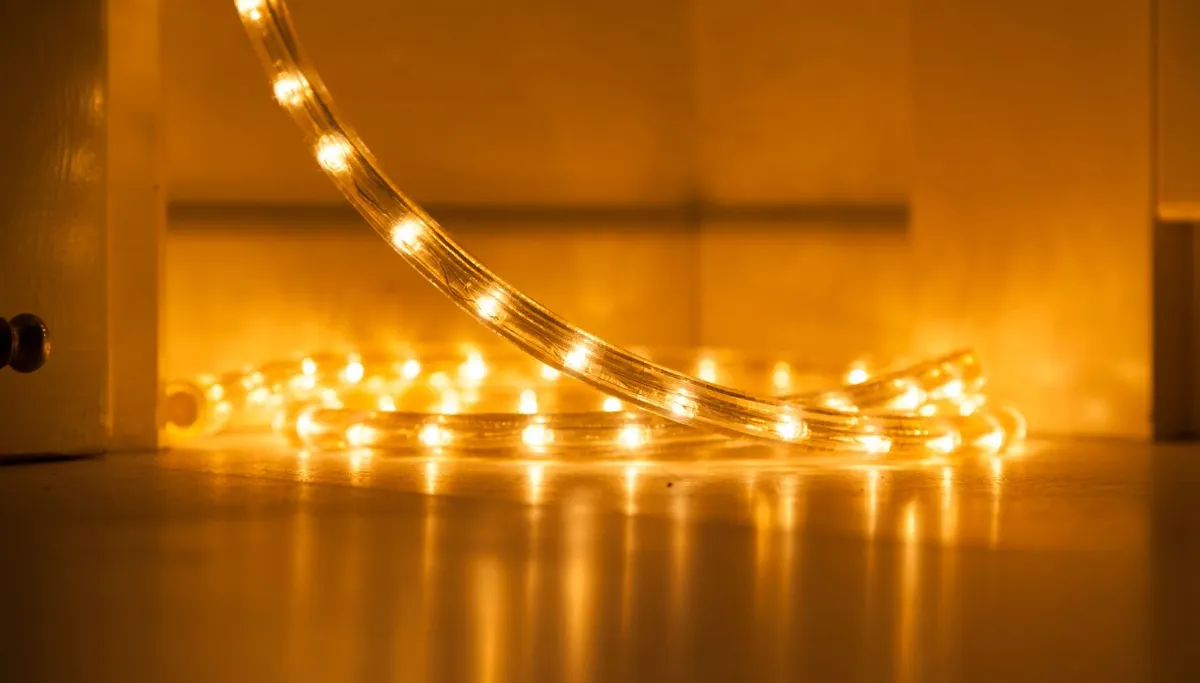
This is the most common reason a single strip changes color along its length. As power travels down a long run, it loses a little voltage with every foot, so the far end receives less than the start.
On an RGB strip that uneven power hits the red, green, and blue channels differently, so the color drifts, often toward red, as the strip gets dimmer toward the end. It looks like a color problem but it is really a power problem.
Fix: Add a power injection wire feeding the far end, use a higher-voltage 24V strip instead of 12V for long runs, or split the run into shorter sections each fed from the supply.
For wiring longer runs correctly, see our guide on how to connect LED strip lights.
Mismatched Color Temperature Between Bulbs:
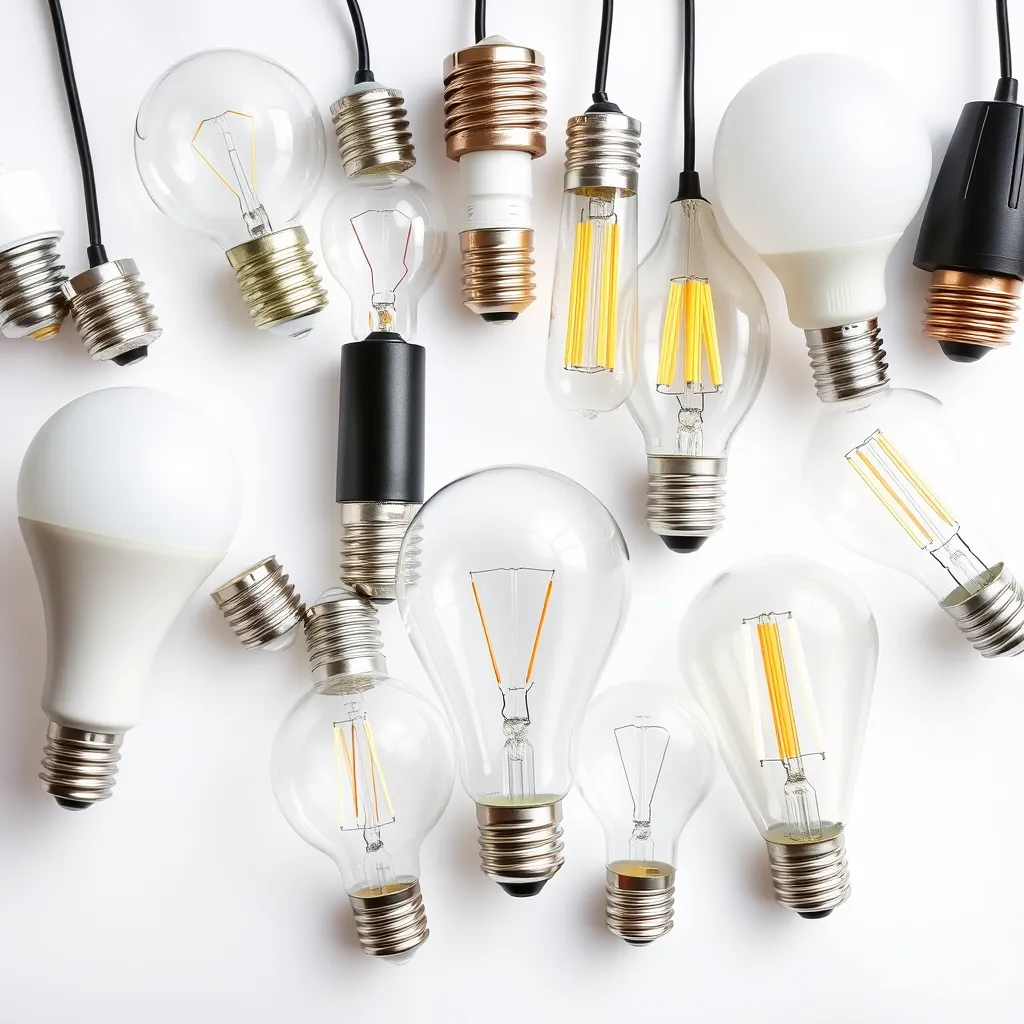
When separate bulbs or fixtures look different, mismatched color temperature is usually why. Two bulbs can both be "white" yet sit at very different points on the Kelvin scale.
A 2700K bulb next to a 5000K one looks obviously yellow beside blue-white. It is easy to do by accident when you replace one dead bulb from a different pack, since the box may not match the ones already installed.
Fix: Match the Kelvin (K) number on every bulb in the same space. For a whole room, buy them in one batch so the color is identical.
Not sure which number to buy? See our guide on warm vs cool LED lights.
A Controller or App Glitch:
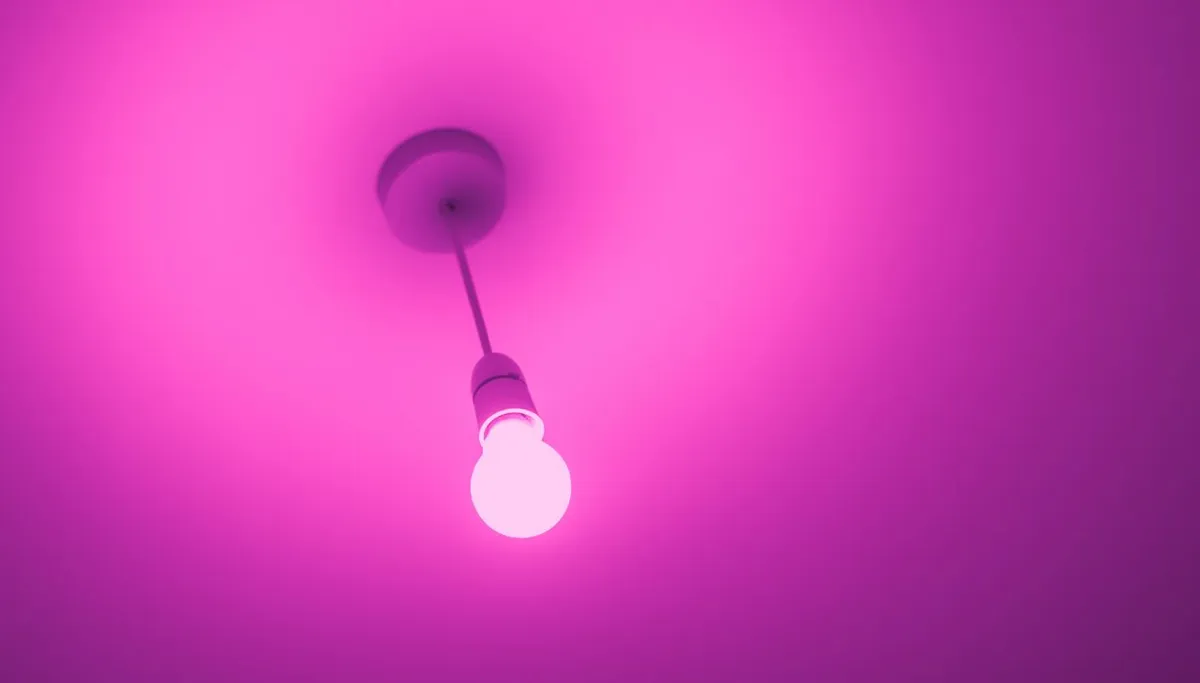
If a smart strip or bulb shows the wrong color, freezes on one shade, or ignores the remote, the electronics have usually glitched rather than failed. Power surges and firmware hiccups can push a controller into an error state.
The giveaway is that the light was working normally and then started misbehaving, rather than going fully dark. A dead section that gives no light at all is a hardware failure, not a glitch.
Fix: Power cycle the light, unplug it for 10 seconds and back on, or run a controller or factory reset. See our full guide on how to reset LED lights.
Different Batches, Brands, or Binning:
Even identical-looking bulbs can vary slightly in color from one production run to the next. Makers sort LED chips into bins by color, and a cheaper product may mix bins, so two "same" bulbs are a touch different.
Low-quality phosphor, the coating that sets an LED's white tone, makes this worse, giving uneven or off colors. It is why budget multipacks sometimes look patchy on a wall.
Fix: Buy all the bulbs for one room together, from the same brand and ideally the same batch. Stick to quality makers who tightly control their binning.
RGB White Looks Wrong:
If your color strip cannot make a clean white, that is normal for basic RGB. An RGB strip mixes red, green, and blue to fake white, which comes out dim and slightly tinted rather than true.
Strips with a dedicated white chip, labelled RGBW or RGBWW, produce a proper white alongside the colors. If clean white matters, that is the type to buy.
Colors Look Off Only on Camera:
Sometimes the light is fine and the camera is the problem. Phone cameras apply auto white balance, which fights unusual lighting and can shift purples, blues, and reds away from what your eye sees.
If the lights look correct in person but wrong in photos, this is the cause. Set your camera to manual white balance around 5500K to capture the true color.
How to Prevent Uneven LED Colors:
Buy in one batch. Purchase all bulbs or strips for a space together, same brand and batch, so binning matches.
Match the Kelvin. Check every bulb in a room shares the same color temperature number.
Plan for voltage drop. On runs over about 16 feet, use 24V strips or power injection.
Choose quality. Better brands hold tighter color control and use good phosphor.
Pick the right strip type. For real white, choose RGBW or RGBWW, not basic RGB.
(FAQs):
Q1. Why is one end of my LED strip a different color?
A: Voltage drop. Power weakens along a long run, so the far end gets less voltage and the color shifts, often toward red as it dims. Use power injection or a 24V strip to fix it.
Q2. Why do my new LED bulbs not match my old ones?
A: They likely have a different color temperature or come from a different batch. Check the Kelvin number matches, and buy bulbs for one room together so their color is identical.
Q3. Why are my LED lights showing the wrong color?
A: On a smart or RGB light this is usually a controller glitch. Power cycle it or run a reset. If a section gives no light at all, that part has failed and needs replacing instead.
Q4. Why can't my RGB strip make a clean white?
A: Basic RGB fakes white by mixing red, green, and blue, so it looks dim and tinted. For a true white, use an RGBW or RGBWW strip that has a dedicated white chip.
Q5. Why do my LED lights look different in photos?
A: Your camera's auto white balance is adjusting the color. If the lights look right in person but off on camera, switch the camera to manual white balance around 5500K.